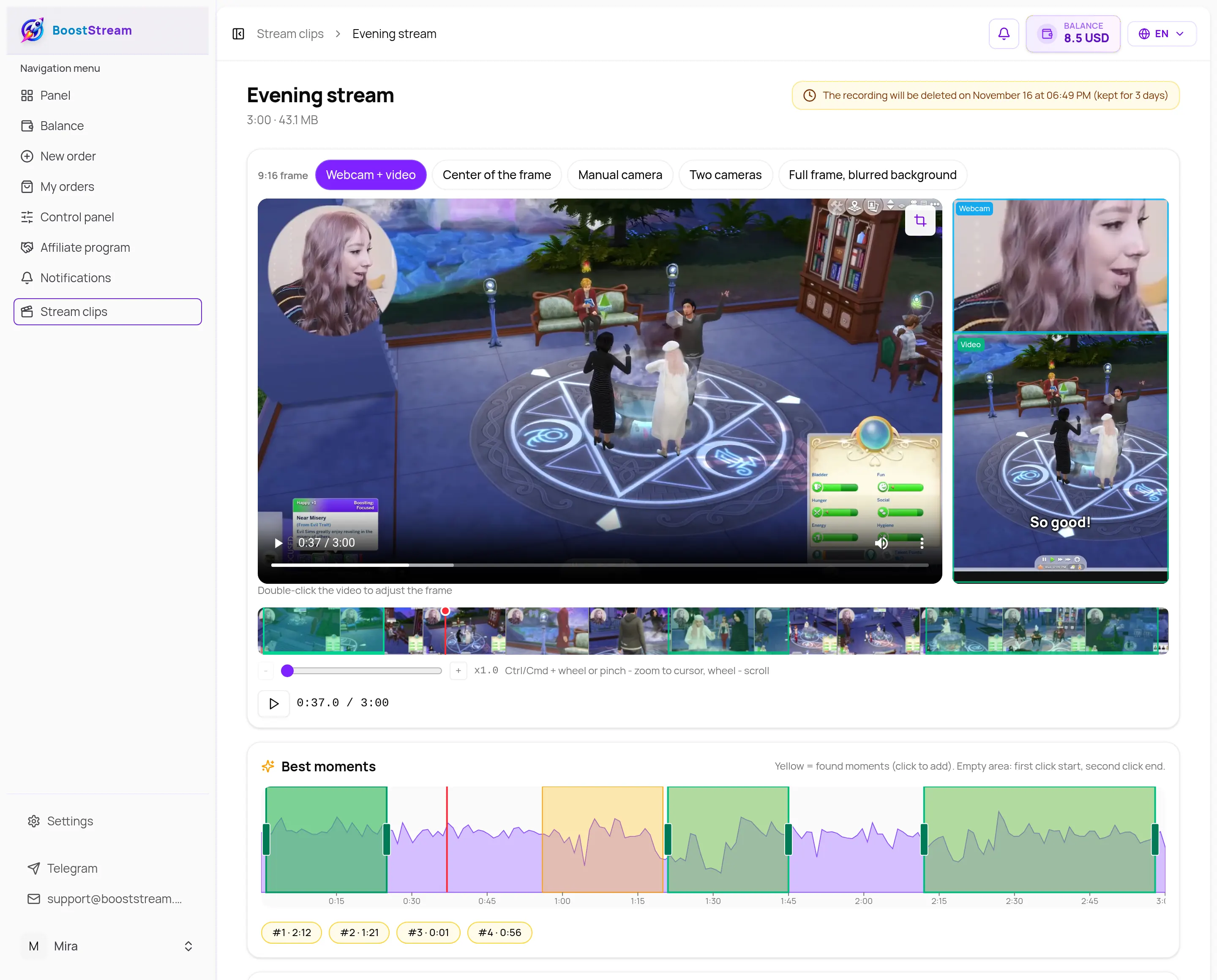
5 vertical layouts
Webcam on top or at the bottom, center of the frame, blurred background, manual camera, or two cameras (face and game in one 9:16).
- Webcam over video

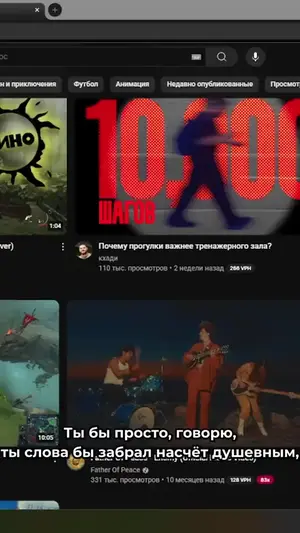 Center crop
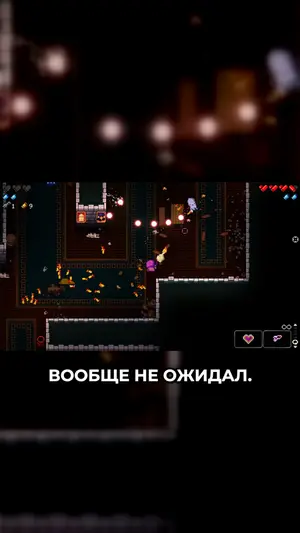 Blurred background
Drop in a stream recording or any horizontal video and get ready 9:16 clips for TikTok, Shorts and Reels. No editing software.
7 free clips
after sign-up, then from $0.07 per minute of finished clip, $0.10 with subtitles
Try it right here: move the cameras on the stream
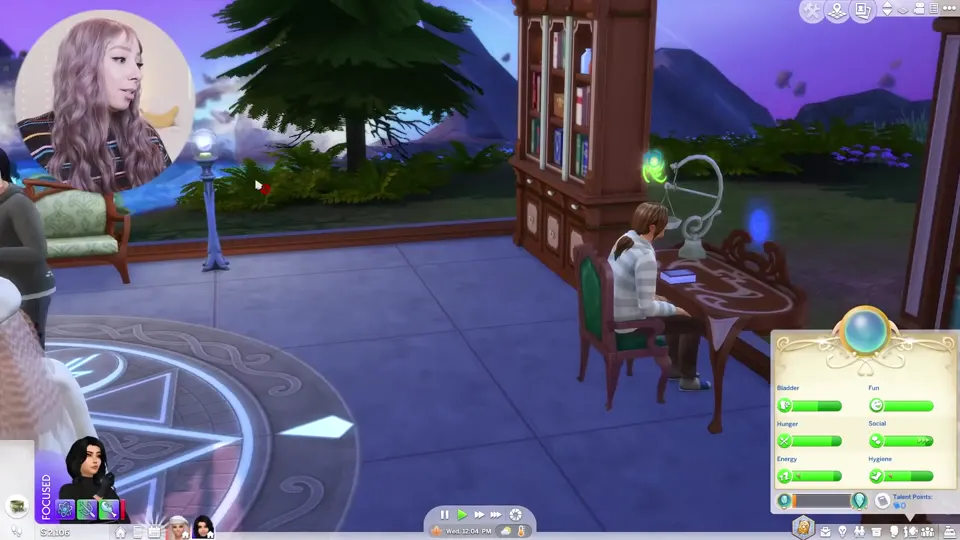
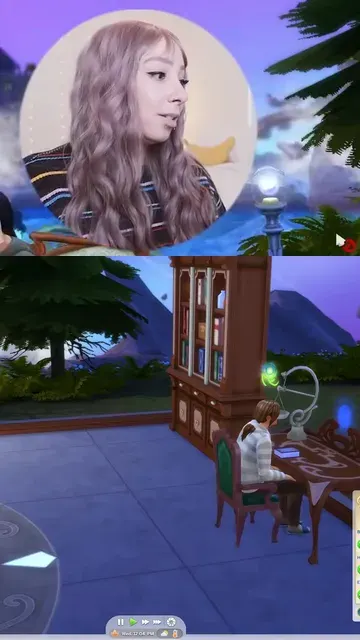
The editor works the same way, just on your video. Video: "SIMS 4 REALM OF MAGIC LETS PLAY!! [NEW SERIES WITH FACE CAM]" by simssav, CC BY 3.0. Excerpt trimmed and re-encoded.
MP4, MKV or MOV from your computer. Long streams are fine.
We highlight the loudest parts. Take them or mark your own ranges.
Vertical 9:16 with subtitles, ready for TikTok, Shorts and Reels.
Everything to keep viewers watching till the end.
Webcam on top or at the bottom, center of the frame, blurred background, manual camera, or two cameras (face and game in one 9:16).
Center cropBlurred backgroundSubtitles are generated for you - add nicknames and game titles to the dictionary so they are spelled right.
Captions in your stream's language. Speech language and subtitle language are separate - if they differ, translation turns on.
Volume peaks show up on the timeline, so the hype is easy to find.
Drag the start and end of each clip.
Just your video and your channel.
Asterisks or removal in captions, a beep or silence in audio.
What matters stays in frame: your face and the game.
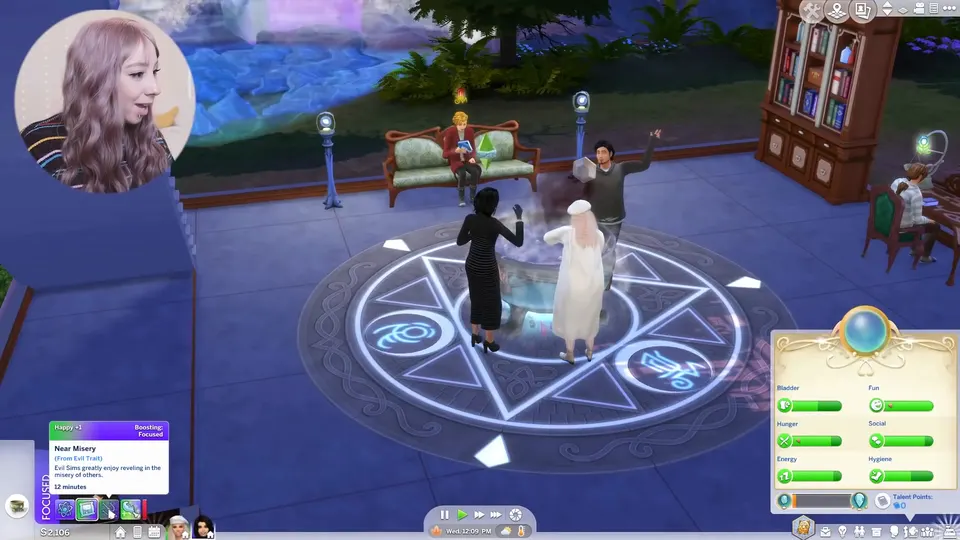
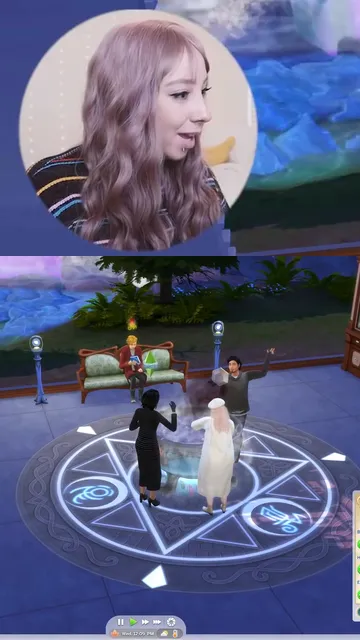
Video: "SIMS 4 REALM OF MAGIC LETS PLAY!! [NEW SERIES WITH FACE CAM]" by simssav, CC BY 3.0. Excerpt trimmed, reframed and re-encoded: the clips and subtitles were made in BoostStream.
Analysis and the editor are free. Price per minute of finished clip is built from parts.
Analysis and editor
Free
Uploading, finding moments and editing cost nothing.
No subscription - you pay only for finished clips
Finished clips
$0.07 per minute
Base minute without subtitles. Billed by finished-clip minutes: up to 5 seconds past a minute are free, more rounds up to the next minute.
Example: 10 clips x 1 min with subtitles = $1.00
7 free clips
2 without a logo and 5 with our logo
after sign-up
Many AI clip tools sell a subscription and bill for all minutes of the uploaded video. Upload an hour of stream - they charge for 60 minutes even if you only export 10 minutes of clips. We charge only for finished clip minutes, with no subscription.
1 hour of stream → 10 one-minute clips
| Service | What you pay |
|---|---|
| BoostStream | $1.00 (you only pay for 10 minutes of finished clips, analysis free) |
| Typical AI tools (you pay for all 60 minutes of uploaded video, usually via subscription) | ~$1.45-6.00 |
Finished clip minute: base $0.07, subtitles +$0.03, subtitle translation +$0.03 (when the subtitle language differs from the speech language).
Competitor figures checked on 05.11.2026 on their pricing pages. Subscription prices are approximate: the whole plan price divided by the uploaded-video minutes in the pack.
Upload a recording - analysis is free, your first clips are on us.
or drop a file here
MP4, MKV, MOV. Size and length limits - up to 8 GB and 2 h.
Upload the recording on this page, pick the ranges and the layout, and download 9:16 clips. No editing software needed.
MP4, MKV and MOV. Size and length limits are shown next to the upload button.
Analysis and the editor are free. Finished clip: $0.07 per minute without subtitles, $0.10 with subtitles, $0.13 if subtitles are translated. Manual camera +$0.02 per minute, two cameras +$0.03. Billed by finished-clip minutes: up to 5 seconds past a minute are free, more rounds up. From your USD balance. Example: 10 one-minute clips with subtitles = $1.00. You also get 7 free clips - 2 without a logo and 5 with our logo, up to 60 seconds each.
Speech is recognized in English, Russian and Spanish. Speech language and subtitle language are separate - if they differ, translation turns on. You can add nicknames and game titles to a dictionary and pick one of 3 styles.
Not on paid clips. 5 of the free clips come with our logo.
Source files are deleted after 3 days, finished clips stay available for 7 days. Download them in time.
A timeline with loud moments, a clip list, layout and subtitle preview - all in one window.