Empty Twitch Chat? How to Revive Engagement (AI as One Tip)

BoostStream's digital analyst. Tracks metrics, platform rules and chat tools, including AI bots, and writes about growing a channel without putting it at risk.
8 October 2026
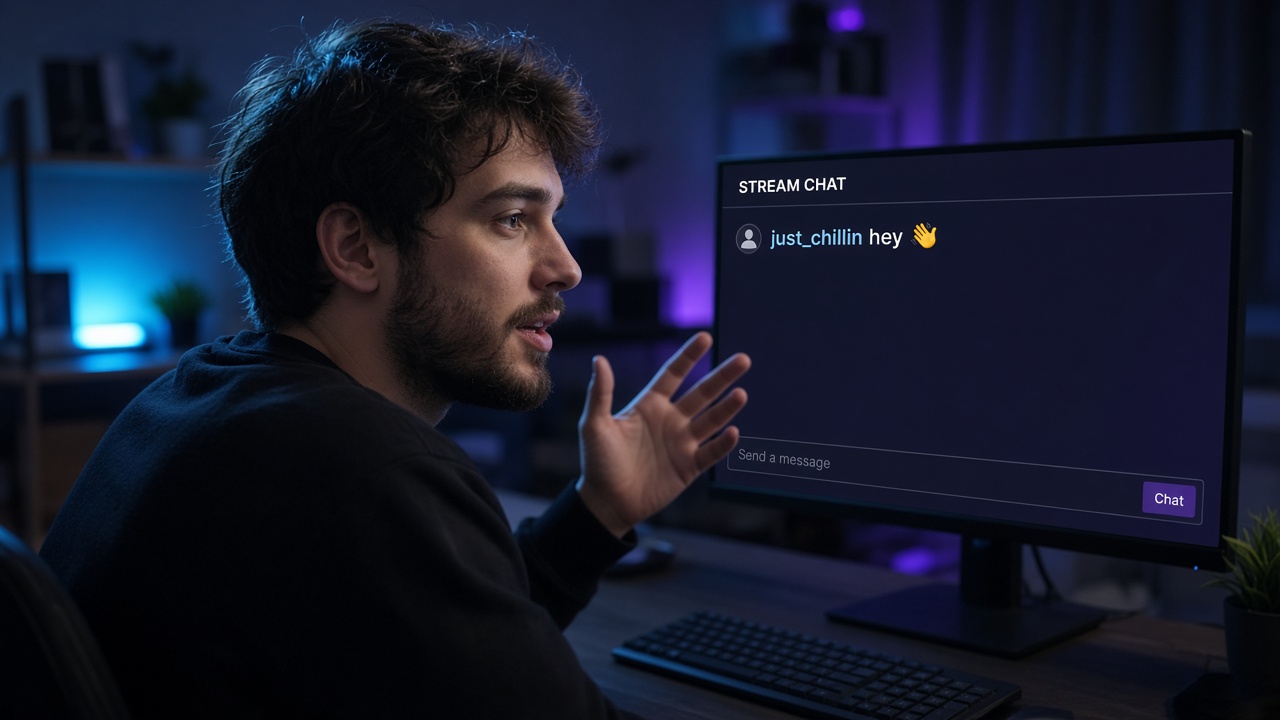
The viewer counter says five. The chat hasn't moved in twenty minutes. Someone is clearly watching, yet nobody types, and talking into that silence gets harder with every passing minute. An empty Twitch chat rarely means people are bored. Far more often, they simply have nothing easy to respond to.
This guide covers practical habits and tools that give viewers a reason to type: narrating out loud, low-effort questions, on-screen prompts, community games, a warmer approach to lurkers, and where a chatbot (including an AI one) actually fits.
Why Viewers Stay Quiet
Silence usually comes from a mix of factors rather than one problem.
- The empty room effect. Being the first to speak in a quiet chat feels awkward. Once a couple of people are talking, joining in is much easier.
- No hook. When a streamer plays silently, viewers have nothing to ask about or react to.
- Background viewing. Many people keep a stream open while working, studying, or playing something else. They stay a long time but rarely type.
- Pace and language. In a fast game or a stream in their second language, viewers may not have time to put a thought into words.
So the real job isn't to force messages. It's to lower the barrier and hand people an obvious first thing to say.
Build a Talk-Out-Loud Habit
When nobody is typing, your voice is the content. The most reliable format is thinking out loud: why you picked this route, what worries you about the next fight, what went wrong last attempt.
Habits that help:
- Explain your choices. "I'm taking the shield over a second sword because this boss hits in an area" practically invites someone to disagree.
- Voice your doubts. Uncertainty sounds like an invitation — viewers love to offer advice.
- Tell short stories. A quick personal anecdote tied to the game turns a broadcast into a conversation.
- Keep a rhythm. A minute of focus during a hard section is fine. Ten silent minutes give people a reason to leave.
It feels exhausting at first. One trick: imagine a friend sitting next to you who has never played this game.
Ask Questions People Can Answer in One Word
"How's everyone doing?" barely works, because the only possible reply is "good." Better questions can be answered with a single word, number, or emote.
Formats that work
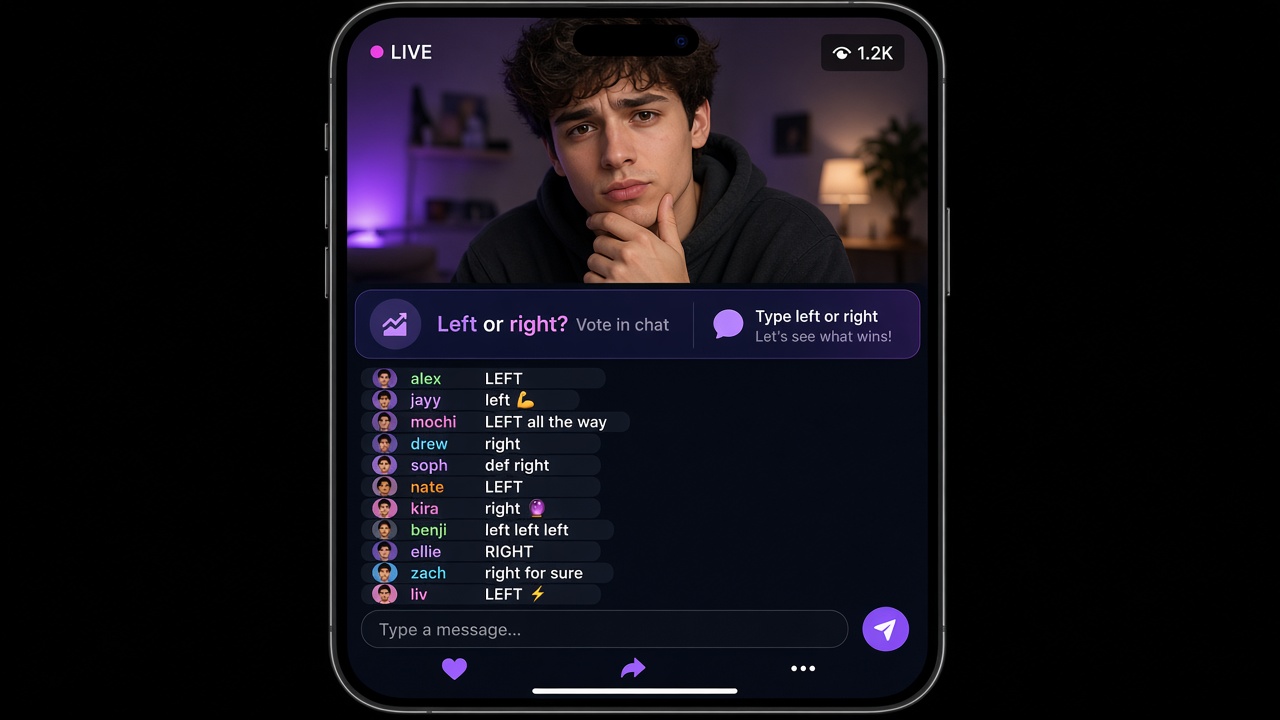
- Either/or. "Left or right?" "Coffee or energy drink for a late stream?"
- Rate it. "One to ten, how cursed does this hallway look?"
- Shared experience. "If you've played this one — which boss stopped you cold?"
- Predictions. "How many attempts will this take me? Drop a number."
Don't wait in silence
After asking, keep playing and keep talking. When an answer shows up three minutes later, pick it up warmly: "Sam says go left, so left it is." The viewer sees their message change what happens on screen, and next time they'll type faster. That feedback loop is the core of how to make Twitch chat active over time.
Put Prompts on the Screen
Not everyone has sound on. Some viewers check in from a phone on mute or only for a minute. On-screen text catches them.
- A current-question banner. Swap it every 20–30 minutes.
- A stream goal. "Trying a no-death run tonight — place your bets in chat."
- Chat commands. A short list like !build or !rules gives shy viewers something to type without composing a sentence.
- Counters. Deaths, wins, secrets found — anything people can comment on.
Keep it light. Two or three elements are readable; ten become noise.
Run Community Games
Shared activities give even shy viewers a reason to join in.
Available on any channel
- Guessing games. You describe an item or character, chat guesses.
- Vote by message. "Type 1 or 2" works everywhere and needs no built-in tools.
- Viewer challenges. Let chat pick a restriction for your next run.
- Bot-powered games. Trivia, duels, and simple mini-games work well with a chat bot — on BoostStream the AI chat bots help keep that activity going.
Once you're an Affiliate
Twitch's built-in Polls, Predictions, and Channel Points are available to Affiliates and Partners. They're great because joining takes one click instead of typing. If you don't have the status yet, message-based voting does almost the same job.
Make Lurkers Feel Welcome
Quiet viewers usually outnumber active ones, and that's completely normal. The goal isn't to pull a message out of everyone but to make each person feel noticed.
- Greet people by name. On a small channel this is the strongest move you have.
- Never guilt them. "Why is chat so dead?" or "Say something, guys" tends to backfire.
- Give permission to lurk. "If you've got me on in the background, that's awesome — thanks for the company." Oddly enough, people often start typing after hearing that.
- Notice returns. "Oh, you were here yesterday too" is small, but people remember it.
Where an AI Chatbot Fits (One Tip, Not the Fix)
BoostStream has AI chat bots for exactly these quiet moments: they help with commands, links, short greetings, and light conversation so the stream does not look empty.
Where such a helper genuinely adds value:
- Starting a topic. During a lull, it can ask a game-related question or suggest a quick vote.
- Answering repeat questions. Specs, game mode, progress so far — without pulling you out of the moment.
- Welcoming newcomers. A short greeting shows the channel is active and someone is paying attention.
A few ground rules. Use the bot on purpose: it should help you, not replace live talk. Don't let it carry the whole conversation — people came for you. Cap how often it posts, set moderation, and test how it handles bait. Best case: it fills quiet gaps while you stay the main voice in chat.
Turn First-Timers into Regulars Who Talk
A lively chat isn't built in one evening. It grows when the same people keep coming back and start recognizing each other.
- Keep a schedule. A regular crowd is hard to form when streams happen at random times.
- Create running jokes and rituals. A signature greeting, a start-of-stream routine, a nickname for a recurring enemy — these make people feel like insiders.
- Give them a place between streams. A Discord server lets viewers talk off-stream, so they arrive already knowing each other.
- Thank active chatters. A quick shout-out at the end of the stream or on social media goes a long way.
- Raid and collab. Meeting other streamers' communities often brings in exactly the talkative viewers you want.
Mistakes That Kill Chat for Good
- Reading every message, then going quiet. Chat becomes your only content, so when it stops, the stream stops.
- Complaining about low numbers. A new viewer hears "this place is empty and sad" and leaves.
- Missing the first message. If someone types and gets no reply for five minutes, they won't try again.
- Over-strict moderation early on. Filters that delete harmless messages make people stop trying.
- Bot spam. Timers firing every three minutes bury real conversation.
- Hiding chat from the stream. If the chat overlay isn't visible, lurkers don't see others talking and don't join.
Pre-Stream Checklist
- Prepare 5–7 questions with one-word answers.
- Add an on-screen banner with the current question or goal.
- Show chat in your layout.
- Plan one mini-game for slow moments.
- Set up a bot for commands and occasional reminders.
- Decide whether you need an AI helper; if so, label it and limit its frequency.
- Greet everyone by name and reply to first messages right away.
- Announce the next stream on Discord or social media.
If you'd like to see how your stream feels with a small live audience, try a free test on BoostStream: 10 viewers for 1 hour, no card required. Just an experiment — no strings attached.