How to Get Your First Twitch Viewers from Scratch: A 2026 Step-by-Step Guide

Has been streaming on Twitch since 2020 and grew her channel from an empty chat to a steady audience. Writes step-by-step guides for new streamers: getting started, picking a category and keeping your first viewers.
8 October 2026
You went live for the first time, and the viewer count says 0. Or 1 — and that's you on your phone. Almost every streamer has been there. The good news: your first Twitch viewers don't show up by luck. They come from clear, repeatable steps — a solid setup, the right category, a consistent schedule, and real conversation.
This guide covers how to get Twitch viewers from zero, without myths or "a million followers in a week" promises. Just what actually works in 2026.
Why New Channels Have No Viewers
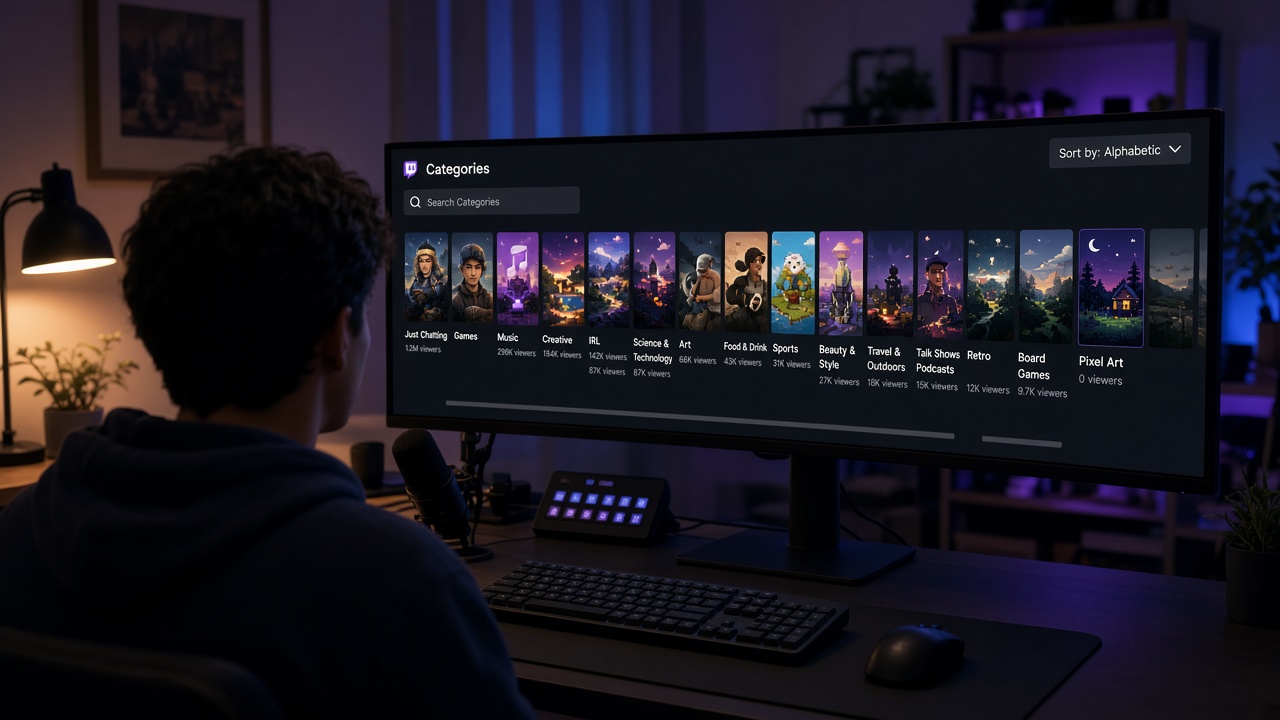
Twitch sorts channels inside a category mostly by live viewer count. At 0 viewers, you sit at the very bottom of the list, and few people scroll that far.
So your first job isn't "become popular." It's to:
- make yourself easier to find;
- keep the people who stumble in;
- bring people in from outside Twitch — social media, communities, other streamers.
Every viewer who stays for 10 minutes is a small win.
Step 1. Set Up Your Channel Before Going Live
Someone lands on your stream and decides in 5–10 seconds whether to stay. Help them stay.
Technical basics
- Audio matters more than video. A budget USB mic beats a built-in one by a mile. Cut echo and background noise.
- Stable bitrate. Smooth 720p60 is better than 1080p that keeps breaking up.
- A simple OBS scene. Game, camera (if you use one), chat or alerts. Don't overload it.
Profile and branding
- Avatar and banner in one consistent style.
- A short bio: who you are, what you stream, and when.
- Panels under the stream: schedule, socials, chat rules.
You don't need expensive design. Clean and clear beats fancy.
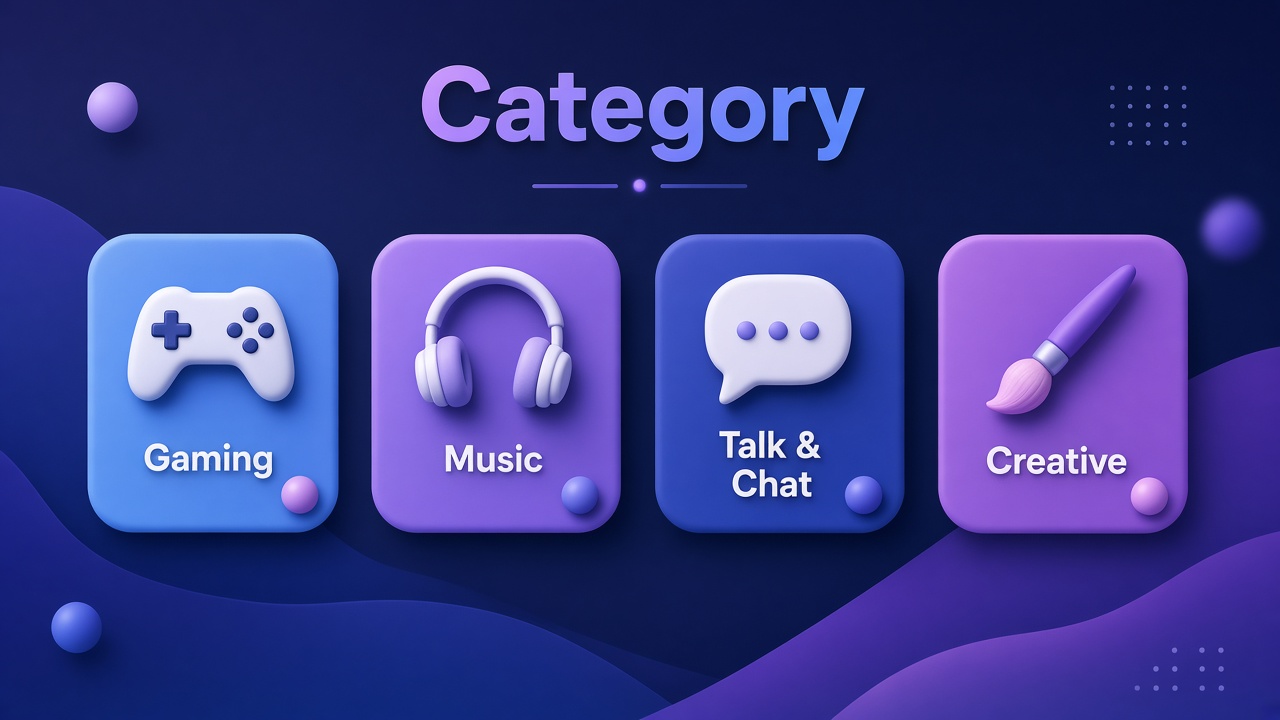
Step 2. Choose Your Category Wisely
This is one of the biggest beginner mistakes: streaming the most popular games, where thousands of channels already compete.
How to choose
- Viewer-to-streamer ratio. Look for categories with more viewers per channel. Public Twitch category stats help with this.
- A niche where you're visible. In a category with 30 channels, you can land on the first screen instead of position 500.
- Something you genuinely enjoy. You'll stream it for months — without real interest, you won't last.
Good starting options
- New releases in the first days after launch.
- Indie games and niche genres.
- Non-gaming categories: Just Chatting with a specific topic, art, music, software development.
Step 3. Stream on a Consistent Schedule
Consistency turns a random visitor into a regular. If people don't know when you're live, they won't come back.
How to build a schedule
- Pick 3–4 days a week you can realistically commit to.
- Go live at the same time each day.
- Aim for at least 2–3 hours per stream — that gives viewers more chances to find you.
- Add it to the Schedule section on Twitch and to your panels.
Three steady streams a week beat seven in week one and then disappearing for a month.
Step 4. Titles and Tags That Work
Your stream title is your ad in the category list.
Writing a title
- Be specific about what's happening now. "First blind playthrough on hard — dying in style" beats "Stream."
- Keep it short: put the important part in the first 40–50 characters.
- Skip the all-caps and the wall of emojis.
Tags
- Add language ("English"), genre, and format ("Blind Playthrough," "Family Friendly," "Chill").
- Tags help you reach viewers looking for exactly your kind of stream.
- Update tags for each specific stream.
Step 5. Bring Viewers in from Outside Twitch
Twitch's internal discovery does little for small channels. That's why most first viewers come from other platforms.
Where to find an audience
- Short-form video. Highlight clips on TikTok, YouTube Shorts, and Reels are one of the most effective growth channels in 2026.
- YouTube. Full videos or highlights let people get to know you off-stream.
- Discord. Your own server for announcements and community.
- Niche communities. Forums, groups, and subreddits for your game. Share value, not just a link.
The golden rule: don't spam. People follow interesting people, not links.
Step 6. Talk Even When Chat Is Empty
The hardest part early on is commentating when nobody answers. But that's exactly what keeps people around.
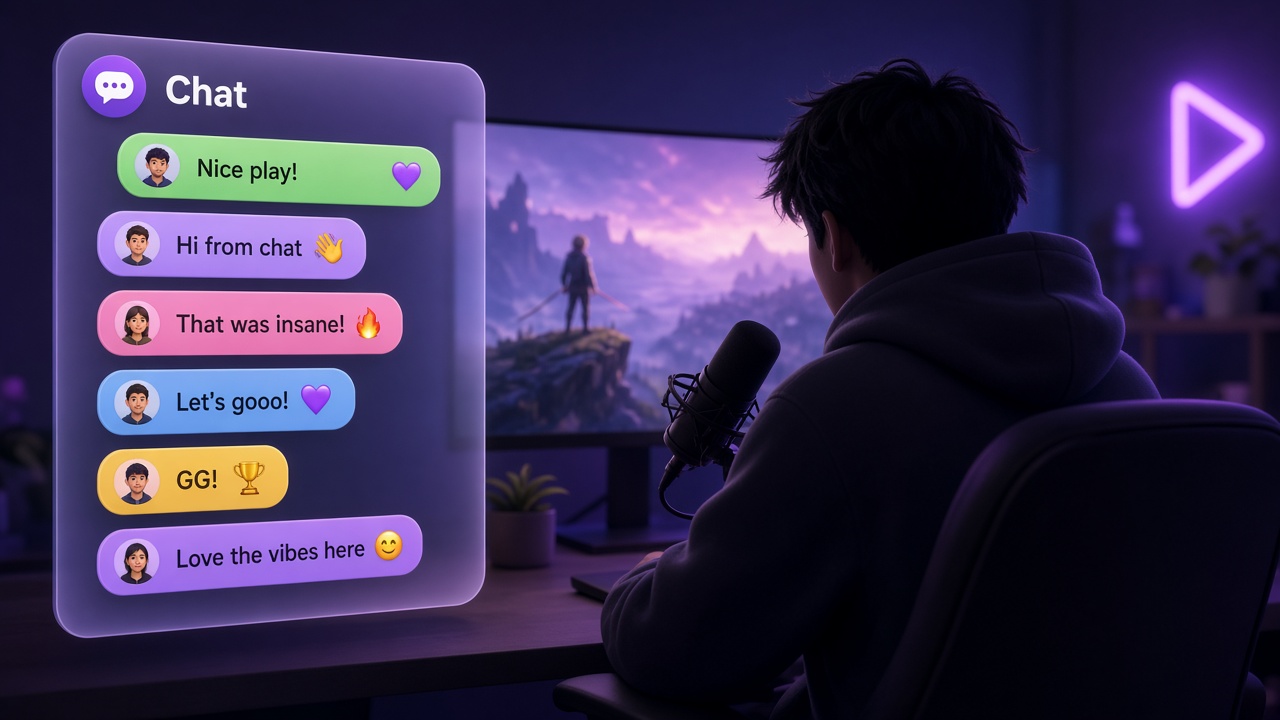
How to engage chat
- Always talk. Explain what you're doing and why. A silent lurker should hear a real, lively person.
- Greet everyone by name. For a small channel, this goes a long way.
- Ask questions. "Which build should I go for?" "Where would you go next?"
- Use Twitch polls and predictions — easy participation with no typing pressure.
- BoostStream AI chat bot handles commands, links, short replies, and keeps the chat lively.
Many streamers now experiment with AI chat assistants too. They can help, but they won't replace your own personality.
Step 7. Network with Other Streamers and Use Raids
Twitch is a community. Streamers at your level aren't competitors — they're potential allies.
What to do
- Hang out in streams in your niche and chat genuinely.
- Join or form small groups for mutual support.
- Raid someone at the end of every stream. It's a good gesture, and people often return the favor.
- Try collabs with Stream Together — it introduces you to your partner's audience.
Don't ask "follow me back." Just be a good community member.
Step 8. Thumbnails and Visuals for Clips and Videos
Twitch auto-generates live thumbnails, but visuals matter wherever people discover you: YouTube, clips, and social media.
- Bright, readable images, even at small sizes.
- A facial expression or a key game moment.
- Minimal text: 2–4 words in a large font.
- A consistent style so people recognize you.
A polished offline screen and banner help too — they show the channel is active and that you take it seriously.
Step 9. Set Realistic Expectations
Growing on Twitch is a marathon. Here's what to honestly expect:
- First months: 0–5 concurrent viewers. That's normal.
- Affiliate status requires 50 followers, 500 minutes broadcast, 7 unique broadcast days, and an average of 3 viewers over the last 30 days. For many, that's a 1–3 month goal.
- Growth isn't linear. Nothing may change for weeks, then one clip brings in dozens of new people.
Watch your analytics: average watch time, traffic sources, which streams performed best. Improve one thing at a time.
Common Beginner Mistakes
- Streaming in silence. Dead air is the top reason people leave within a minute.
- Staring at the counter. That number in the corner kills your energy. Focus on content and the people already in chat.
- Changing everything every week. New game, new time, new format — viewers have nothing to hold on to.
- Asking other streamers for follows. It's annoying and hurts your reputation in the community.
- Quitting after a month. Most channels that grew looked empty for their first weeks.
Bonus Tip: Social Proof and Testing
Once the fundamentals are working — schedule, content, engagement — some streamers use tools for testing. For example, to see how real viewers behave when a channel looks less empty (the social proof effect), or to check their overlay and scene setup.
This is an optional step, not a replacement for working on your content. Stream quality first, experiments later. And always review Twitch's rules and proceed carefully.
Quick Starter Checklist
- Set up clean audio and a stable bitrate.
- Fill out your profile, panels, and schedule.
- Pick a niche category you actually enjoy.
- Stream 3–4 times a week at the same time.
- Write specific titles and accurate tags.
- Cut clips for TikTok, Shorts, and YouTube.
- Keep talking and engaging with chat.
- Make friends with other streamers and raid.
- Be patient and check your analytics.
Want to Run a Test?
If you're curious how your stream feels with a small live audience, try a free test on BoostStream: 10 viewers for 1 hour, no card required. Just an experiment — no commitment.