Why Nobody Watches Your Stream: Twitch Category Ranking Explained

Digs into how Twitch surfaces streams: recommendations, tags, the directory and category ranking. Explains the mechanics in plain words and tests every tip in practice.
8 October 2026
You streamed for three hours, the audio was clean, you put in real effort — and the stream summary says your average viewer count was 0.4. That stings, but in most cases the problem isn't your content. Nobody saw it. To fix that, you need to understand how Twitch orders channels inside a category and what a potential viewer actually sees when they open the directory.
How the Twitch Directory Decides Who Gets Seen
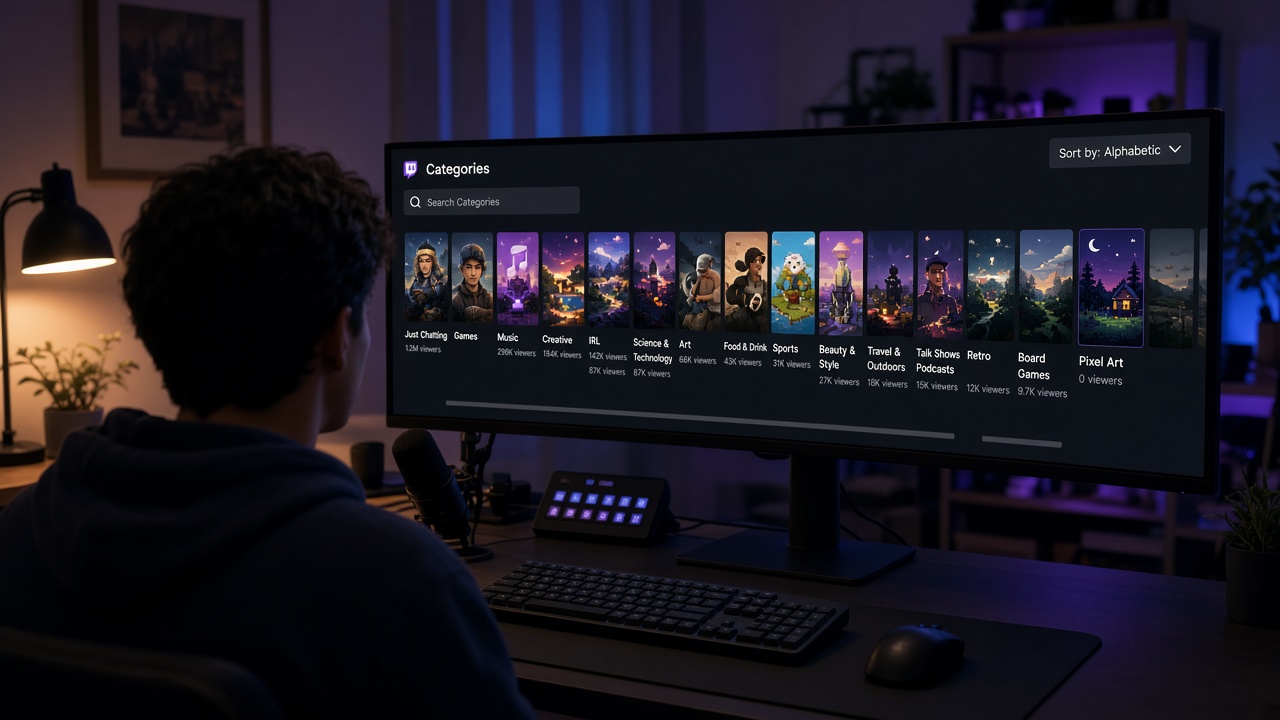
When someone opens a category, they get a grid of cards: thumbnail, title, channel name, tags, and a live viewer count. They can switch the sort order — "Recommended For You," "Viewers (High to Low)," "Recently Started," and a few others. In most of these views, bigger channels float to the top. Recommendations lean on popularity, and the viewer sort uses nothing else.
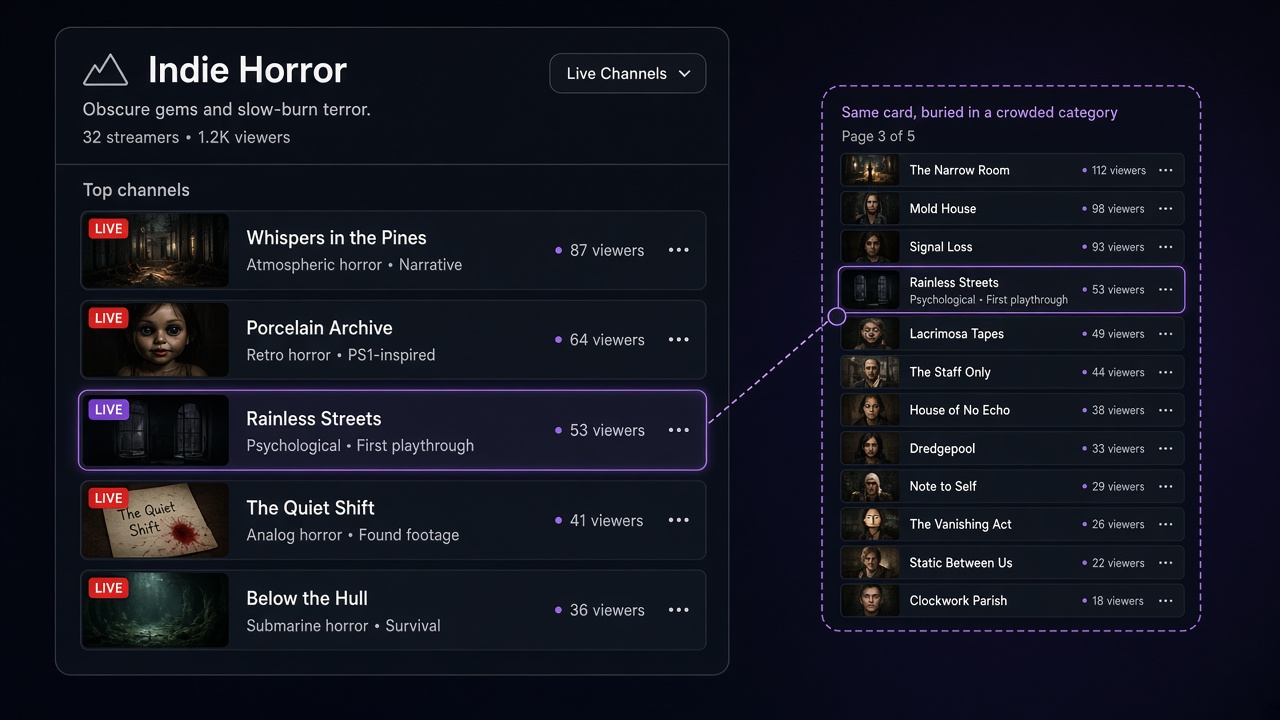
Run the numbers. A major game can have thousands of live channels at once. The first two or three screens hold a few dozen cards. A channel at zero viewers sits somewhere around position one thousand, and almost nobody scrolls that far. That's the loop behind most empty streams: no viewers means no visibility, and no visibility means no new viewers.
Why the Viewer Count Changes Behavior
Even when someone does reach your card, the number in the corner acts like a storefront sign. A stream with 15 viewers looks vetted — other people are there, so it's probably worth a look. A stream with zero feels uncertain, and a little awkward: you walk into a silent chat and wonder whether you should be the first to type. That's social proof. It doesn't make a stream better, but it strongly shapes whether people click and whether they stay.
So the goal for a small channel isn't to conquer the whole category. It's to find a spot where you're visible at all, and then give the people who arrive a reason to stick around.
Diagnose First: Are People Not Finding You, or Leaving?
If you keep asking "why is my Twitch stream empty," the answer usually falls into one of two buckets, and each has a different fix. Open the stream summary in your Creator Dashboard and compare a few numbers:
- Live views and unique viewers near zero — a discovery problem. People aren't reaching the channel, so focus on category, title, and outside traffic.
- Dozens of unique viewers but an average of about one — people arrive and bounce. The issue is your first minute: audio, dead air, or no clear sense of what's happening on screen.
- Average watch time shows where you lose people. If it's under a couple of minutes, fix retention before chasing more traffic, or the new visitors will leak right back out.
Skipping this step is how streamers spend a month tweaking tags when the real culprit is a noisy microphone.
Picking a Category Where You Can Reach the First Screen
The quickest way to improve your Twitch category ranking is to choose a category where there isn't far to climb. You can check this in five minutes:
- Open the category and sort by viewers, high to low.
- Scroll until you reach channels with 1–3 viewers, and note which screen they start on.
- If that's within the first two or three screens, you have a real shot at being noticed. If it's screen twenty, the category is too crowded for you right now.
For a longer view, public Twitch category stats show the viewer-to-channel ratio by hour and day of the week. The same game at 10 a.m. and at 9 p.m. can feel like two different categories in terms of competition.
When to Switch Categories — and When Not To
Hopping between games every half hour rarely works, because you lose the people who came for that specific content. A better setup is one main category plus one quieter backup. New releases in their first days, indie titles, retro games, and non-gaming sections with a clear topic — art, programming, music — often give a small channel a place on the first screen.
Titles and Tags: What Shows Up on Your Card
On a directory card, the title is the only text you fully control, and it gets cut off. Put the meaning in the first 40–50 characters.
- Weak: "Stream," "Playing games," "Come hang out!!!"
- Better: "Blind run on the hardest difficulty — boss 3 tonight"
- Best: whatever makes this particular broadcast different — a challenge, a format, a goal for the session.
Tags act as filters. Viewers search for things like "English," "FirstPlaythrough," "FamilyFriendly," or "Educational." Always set your language tag, and pick the rest for each stream rather than leaving one set forever.
Schedule: How Consistency Raises Your Concurrent Count
Regulars are the foundation of your concurrent viewers. If five people know you go live Tuesday and Thursday at 7 p.m., you start with five viewers instead of zero — and in a niche category, five puts you in a very different spot on the list.
What helps:
- 3–4 streams a week at the same time, on a pace you can actually hold for months;
- a filled-in Twitch schedule plus announcements on your socials;
- sessions of 2–3 hours or more, so people browsing the directory have time to find you;
- start times when your chosen category has fewer live channels.
Outside Traffic: The Opening Wave That Moves You Up
Outside viewers have a side benefit that's easy to miss. People who show up from an announcement in the first 10–15 minutes push you higher in the directory, and that higher position brings in random viewers from inside Twitch. A small opening wave starts a snowball.
Where to build that wave:
- Short-form video. Highlight clips on TikTok, YouTube Shorts, and Reels are the main source of new faces for small channels.
- Your own Discord or Telegram. Post 15–30 minutes before going live and again at the start.
- Game communities. Subreddits, forums, and topic-based chats. A useful post or guide beats a bare link every time.
- Clips inside the Twitch mobile app. Short clips from your streams can reach new people there too, so cut them right after you go offline.
Running a Stream When Chat Is Silent
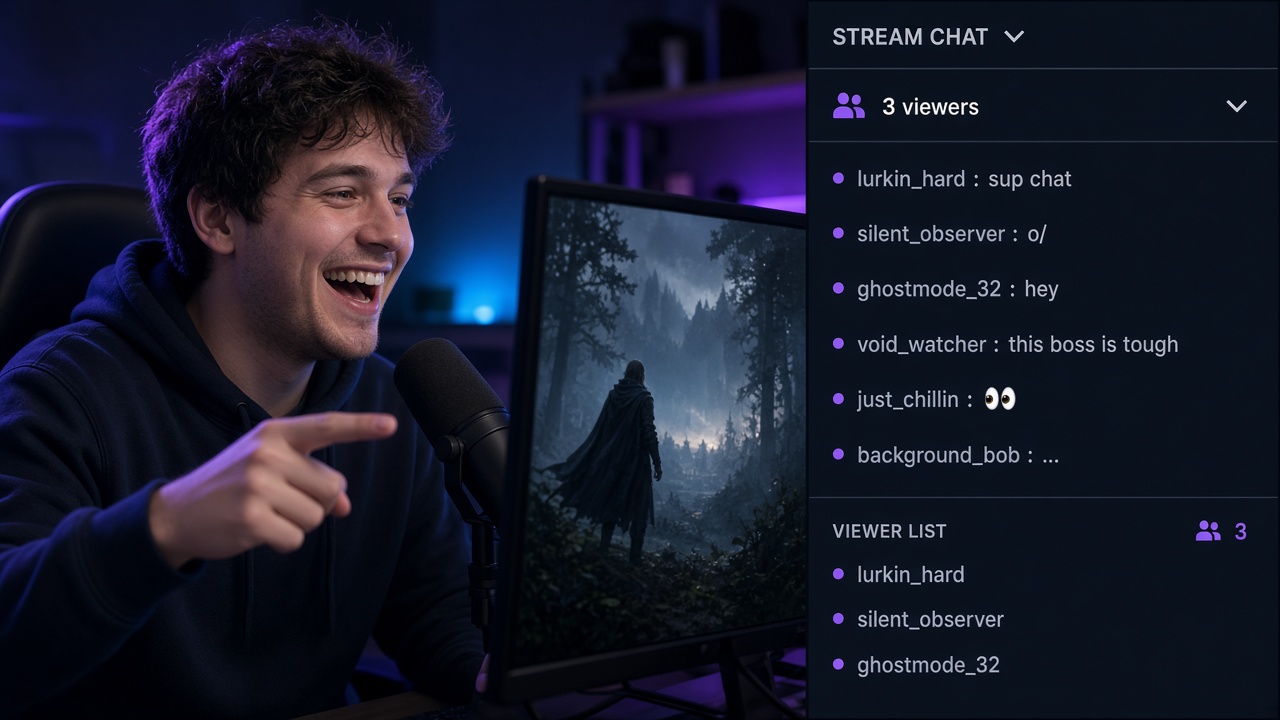
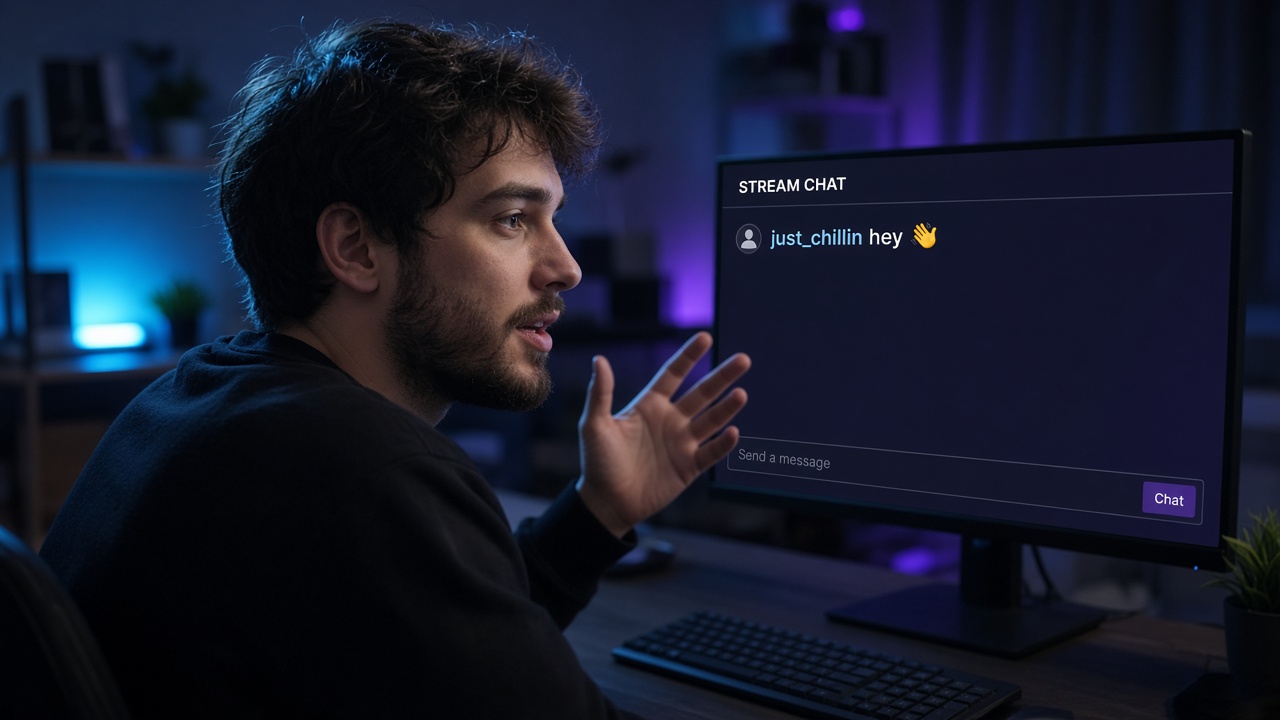
An empty chat doesn't mean nobody's watching. Some viewers lurk — on a phone, in the background, or just out of curiosity — and they decide whether to stay based on what they hear in the first minute.
- Narrate everything: what you're doing, why, and what's next. Talk like you're explaining it to a friend.
- Never say "no one's here again." It's the last thing a new viewer wants to hear.
- Greet every person who chats or follows by name.
- Ask questions that take one word to answer: "left path or right?"
- Turn on a BoostStream AI chat bot for commands, links, and short lines — the channel feels lived-in even when viewers are quiet.
Record these sessions. A quiet stream is great practice for talking on camera, and the best moments become clips.
Networking and Raids
Streamers at your level are the most overlooked source of concurrent viewers. A raid at the end of your broadcast sends your whole audience to someone else, and it often comes back as a return raid. For a small channel, even five incoming viewers is a visible jump in the directory and a chat that suddenly has a pulse.
How to build connections without being pushy:
- watch other streamers in your niche regularly and contribute to their chat in a genuine way;
- form small support groups for raids and shared events;
- try co-streaming with Stream Together;
- never post "come check out my stream" in someone else's chat — it burns your reputation fast.
Realistic Expectations
Honest benchmarks help you avoid quitting too early. For most new channels, 0–5 concurrent viewers in the first months is normal. Twitch Affiliate requires 50 followers, 500 minutes broadcast in the last 30 days, 7 unique broadcast days, and an average of 3 viewers — many streamers get there within 1–3 months of steady work.
Growth comes in steps rather than a smooth line. Numbers can sit flat for weeks, and then one good clip or raid brings in ten regulars. Change one variable at a time — category, start time, title style — and watch how it shows up in your analytics.
Social Proof and Testing Tools — Optional
Once your schedule, content, and engagement are in place, some streamers run small experiments: watching how real visitors behave when a channel doesn't look empty, or checking how their scene and overlays come across with a live audience. This is a way to test ideas, not a replacement for the work that actually grows a channel. If you try it, read Twitch's rules first and don't make it the basis of your growth plan.
Checklist After an Empty Stream
- Compare unique viewers, average viewers, and watch time.
- Rewatch the first minutes of the VOD and check your audio.
- Find a category where 1–3 viewer channels appear within the first screens.
- Rewrite the title so the point lands in the first 40–50 characters.
- Update tags for this specific stream.
- Lock in 3–4 days and a start time on your schedule.
- Announce in Discord or Telegram before going live.
- Cut 2–3 clips for short-form platforms.
- Visit two or three peers' streams and end your own with a raid.
Want to Run a Test?
If you want to see how your stream comes across with a small live audience, try BoostStream's free test: 10 viewers for 1 hour, no card required. Treat it as an experiment — no strings attached.