How to Evaluate a Twitch Growth Tool Before Paying

Has been streaming on Twitch since 2020 and grew her channel from an empty chat to a steady audience. Writes step-by-step guides for new streamers: getting started, picking a category and keeping your first viewers.
11 October 2026
Streamers have no shortage of tools: overlays, schedulers, chat bots, clip editors, promotion services. Most of them promise growth, and most want payment up front. A bad pick costs more than the subscription. You lose weeks on setup, and sometimes a bit of your viewers' trust. The questions below will help you evaluate a Twitch growth tool before you click "Pay."
Start With the Problem, Not the Product
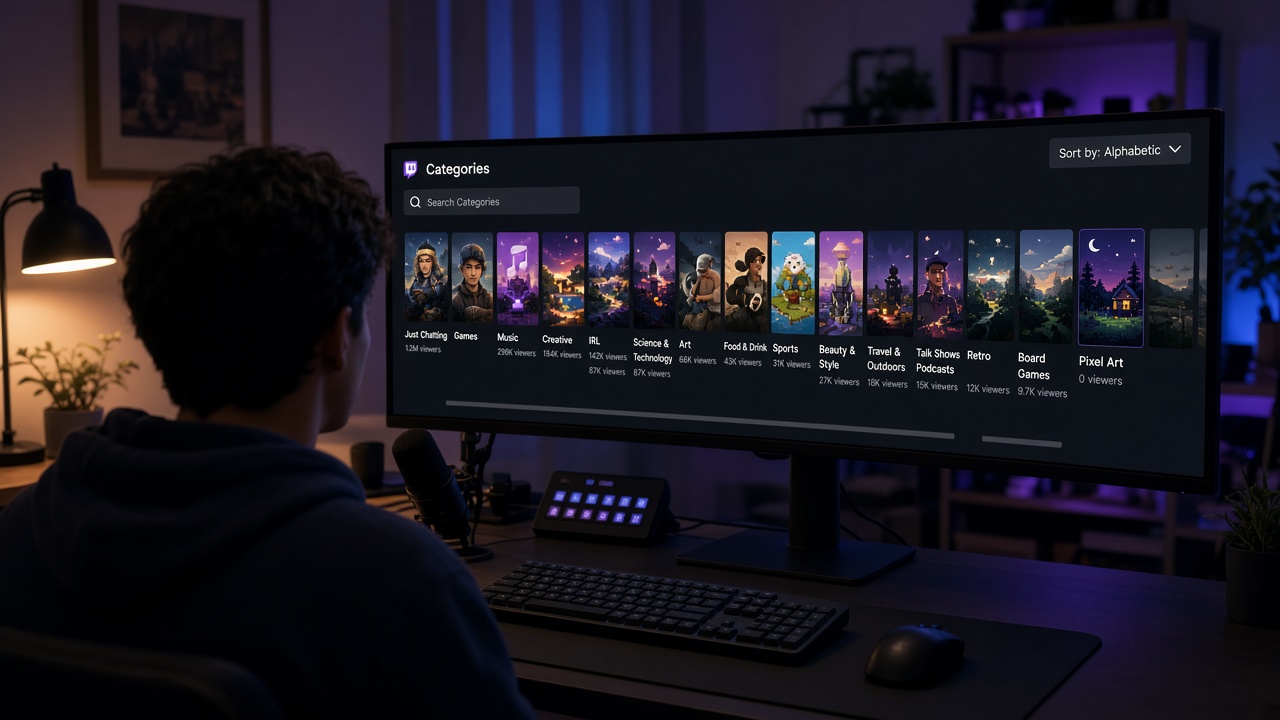
A useful tool solves a specific problem, so begin with a short note on what's holding your channel back. Do people never find your stream in the directory? Is chat silent for the first half hour? Do you never get around to cutting clips?
Naming the problem rules out half the options. New graphics won't help if nobody sees the stream, and the smartest bot is pointless in an empty room. Define the result you expect, too. "Average viewers go from three to five within a month" can be checked; "the channel gets more popular" can't.
Know Exactly What You're Buying
Sales pages are written to sell. Translate the copy into plain facts:
- What happens after you pay. What the service actually does and where you'll see it.
- How long it lasts. One-off service, subscription, or a package for a set period.
- What the price includes. Sometimes the base plan is nearly empty and the feature you need costs extra.
- What data it asks for. Your channel link or username is a normal request. No outside service needs your account password or stream key.
If the website doesn't answer these, ask support. A vague reply tells you something too.
Check the Mechanics Against Twitch's Rules
Twitch's Community Guidelines and Terms of Service describe which activity the platform treats as normal and which as artificial. Compare the tool's mechanics with them: what it does on your behalf, and where the viewers, messages, or follows come from.
Then read the service's own terms. They usually say who is responsible for the consequences of using it and when you can get a refund. Bold claims in an ad mean little if the contract says something different. A trustworthy service spells out its terms and leaves the decision to you.
Getting the Most Out of a Free Trial
A trial run tells you more than any testimonials page. Check the conditions first: full version or limited, card required or not, how long it lasts, and whether you can pause it.
To make the trial count:
- start it while you're already live;
- decide in advance what to watch: how fast it starts, how stable it is, how clear the order status looks;
- jot down your impressions right after the stream while details are fresh.
BoostStream's free test gives you 10 viewers for 1 hour with no card required. It starts as soon as you create it, so switch it on during a stream.
Control Panel: Who's in Charge
A good tool keeps you in control. See whether you can start, pause, extend, or stop the service yourself. If every change means messaging a manager and waiting, your stream may be over before anything happens.
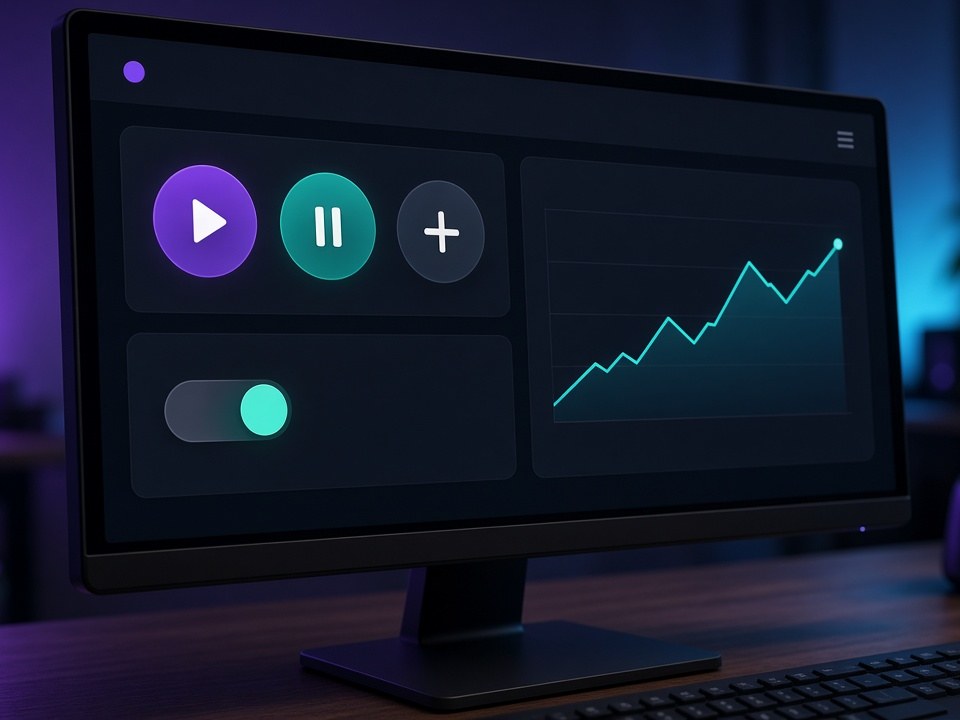
Small things matter too: order history, an activity log, a clear status like running, paused, or finished. In the BoostStream dashboard all of this sits on one panel: auto-start, pause, extension, and a viewer graph for every order.
Price, Billing, and Refunds
Compare the cost of the result you need, not the number in the shop window. A cheap plan you have to top up every week can end up pricier than a monthly one.
- Currency and payment methods. Watch for conversion rates, fees, and minimum top-ups.
- Refunds and compensation. What happens if a service isn't fully delivered, and how is that confirmed?
- Auto-renewal. Subscriptions that charge automatically are easy to forget.
Test Support Before You Pay
Send a question before spending anything. The topic matters less than the reply: how a service works, what to do if something breaks, which languages they answer in. Notice the speed, the tone, and whether you get a real answer or a template. That's the team you'll be dealing with if something goes wrong.
Where a Tool Fits in Organic Growth
No service replaces the basics: a steady schedule, clear titles and tags, raids, clips, and real conversation with viewers. If you're wondering how to grow a Twitch channel, those habits come first. The best way to promote a Twitch stream combines them, and a tool helps with one part of the job without building the channel for you.

Here's a simple test: imagine the service switched off. What's left? Regular viewers, a stock of clips, and a livelier chat mean the tool did its job. If everything drops back to where it started, rethink the approach.
BoostStream's AI chat bots work the same way. They answer commands, greet newcomers, and bring up a topic when chat goes quiet, while you stay the main voice on stream.
Measuring Results After You Buy
Take two or three weeks before you start and the same period after. The stream summary in your creator dashboard shows average viewers, watch time, new followers, and chat activity. Change one thing at a time so you know what worked, and compare your channel with itself rather than with other people's numbers.
Pre-Payment Checklist
- You know which problem the tool solves and how you'll measure the result.
- It's clear what happens after payment and how long the effect lasts.
- The service doesn't ask for your password or stream key.
- You've checked the mechanics against Twitch's rules and read the terms.
- There's a free trial, and you know what to test.
- You can manage the service yourself: pause, extend, stop.
- Refund and compensation terms are written down.
- Support gave you a straight answer.
- You have a plan for how the tool supports your schedule, raids, clips, and conversation.
If you'd like to try a service in practice, start with BoostStream's free test: 10 viewers for 1 hour, no card required.