Twitch vs Kick vs YouTube Live: Where to Grow Your Stream in 2026

Digs into how Twitch surfaces streams: recommendations, tags, the directory and category ranking. Explains the mechanics in plain words and tests every tip in practice.
15 October 2026
Twitch vs Kick vs YouTube Live is a choice almost every streamer faces, whether starting out or adding a second platform. From the outside they look alike: a live broadcast, a chat, donations. Underneath, each one sends new people to your stream in a different way. Here is how promotion works on each platform and where it makes sense to start in 2026.
How Each Platform Finds You an Audience
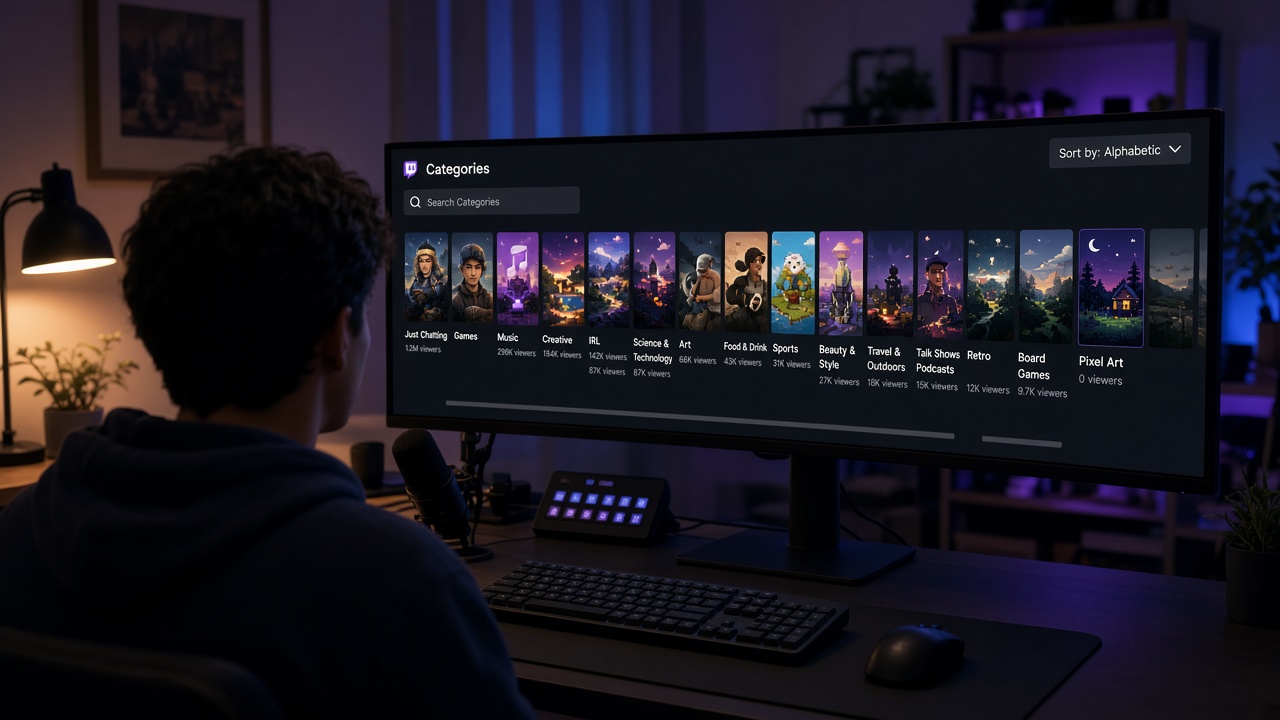
On Twitch, the main entry point is the category directory. Streams there are sorted by current viewers, so a channel at zero sits at the very bottom. Front-page recommendations also lean on live activity: who is watching right now and how long they stay.
Kick works in a similar way, but competition inside categories is much lower. The platform is younger and has fewer creators, so a small live audience lifts a stream higher than it would on Twitch in the same game. The trade-off is a smaller pool of viewers, concentrated in a handful of big sections.
YouTube Live is different. A live stream is also a video that people search for, get recommended and watch after it ends. Title, thumbnail and description shape your reach as much as live viewers do. Subscribers to a channel with uploads get a go-live notification, so starting is easier if you already publish videos.

Twitch: Strong Community, Tough Competition
Twitch is still the home of live hangouts. People sit in chat for hours, join raids and support creators with subs. For a community built around a streamer, nothing beats it yet.
The hard part is getting seen as a newcomer. In popular categories the first screens are taken by channels with hundreds of viewers, and a small stream disappears. Niche categories, precise tags, a clear title and a steady schedule are what get you noticed. We covered the mechanics in why nobody watches your stream.
Kick: Easier to Get Noticed Early
If you want to know how to get viewers on Kick, start with the basics you would use on Twitch: category, title, stream time. What changes is the scale. With fewer creators per section, a stream with five or ten viewers has a real chance of being opened by strangers.
Kick suits streamers who want to test a format fast and get early live reactions. Keep the downsides in mind: a smaller audience, some nearly empty categories, and platform rules and monetization that are still changing. A sensible approach is to keep Twitch and run some streams on Kick to see where the response is stronger.
YouTube Live: Streams That Keep Working
YouTube growth runs on search and recommendations. A stream VOD keeps collecting views for weeks, and clips and Shorts bring people to the next broadcast. If you are willing to make thumbnails, write clear titles and post highlights, YouTube pays you back with a long tail of traffic.
Live chat is usually calmer than on Twitch, and early streams on a channel without uploads often run with almost no viewers. That makes YouTube Live a better second channel for creators who already have videos, or for formats where the recording matters: guides, breakdowns, playthroughs.
What to Compare Before You Choose
- Format. Hanging out and playing with chat fits Twitch or Kick. Useful content people will search for fits YouTube.
- Competition in your category. Open your section on each platform at your usual stream time and see where a channel with your viewer count would land.
- Time for editing. YouTube shines with thumbnails and clips. If you can't spare the time, put it into live streams.
- Where your people already are. If you have friends, a community or social followers, start where they find it easiest to watch.
Can You Run Several Platforms at Once?
You can, but one at a time works better. Simulcasting to three platforms splits an already small audience: you end up with one or two viewers in each directory. It is safer to pick a main platform, lock in a schedule there, and add a second one later, for example Twitch for live streams and YouTube for VODs and clips.
All three share one problem: a stream with no viewers gets shown less and loses newcomers faster. At BoostStream we support Twitch, Kick and YouTube, so you can add starting viewers and a lively chat with AI chatbots on the platform you actually stream on, and manage it all from one dashboard.
The Bottom Line
Twitch gives you a strong community but demands patience and careful category work. Kick makes early streams easier to notice. YouTube Live wins where search and recordings matter. Pick the platform that fits your format, give it a few weeks of regular streams, and expand after that.
Want to see how a stream feels when people are already in the room? Try the free test at booststream.net.