Twitch Followers vs Viewers: What Matters for Real Channel Growth

Digs into how Twitch surfaces streams: recommendations, tags, the directory and category ranking. Explains the mechanics in plain words and tests every tip in practice.
12 October 2026

Twitch followers vs viewers is a comparison that trips up a lot of streamers. Followers look like an audience for later. Viewers show who is watching right now. Chase only one of these numbers and you can build a page that looks big while the live room stays empty. Here is what matters for real growth, and how to keep the two goals apart.
Followers vs Viewers, in Plain Terms
A Twitch follower is someone who hit Follow. They can get go-live notifications and see your channel in their followed list between streams. A viewer is anyone watching a specific broadcast. The same person can be both, or only one of the two.
Followers are not the same as paid subscribers. Subscribing is a separate way to support a creator with money; this article is about the free Follow button.
So followers are a store of attention, and viewers are presence. Visibility in a category directory and the feel of a living room depend far more on concurrent viewers than on the follower count on your page.
Why a Big Follow List Doesn't Save a Stream
Channels with thousands of followers and two people watching live are common. Some followed long ago and never came back. Some joined for a giveaway or a single clip. Some only watch VODs.
When you ask how to get more Twitch followers, first ask why you want them. If the goal is for your people to show up when you go live, a longer list matters less than a habit of returning. A go-live alert only works for people who still open Twitch and still care about your stream.
What Live Viewers Give You
Concurrent viewers change how the channel looks from the outside. In a category, a stream with people already watching is easier to notice. Chat is easier to start when someone replies. A newcomer who lands in an empty room often leaves; one who joins an ongoing conversation often stays.
Viewers also create fuel outside the stream: reactions, clips, shared moments. A follower who never watches leaves almost no trace. A viewer who never hits Follow can still clip you, come back next week, or, if they stream too, raid you later.
If chat is quiet early on, open questions and small rituals for regulars help a lot; there's more on that in our guide to reviving an empty Twitch chat. We also have AI chat bots for this: they greet newcomers, answer commands, and bring up a topic when chat goes quiet, while you stay the main voice on stream.
What to Watch in Your Creator Dashboard
Compare a set of numbers, not a single vanity metric:
- average concurrent viewers per stream and per week;
- unique viewers over a period;
- new followers per stream;
- average watch time;
- chat activity: how many people chat and how many messages they send.
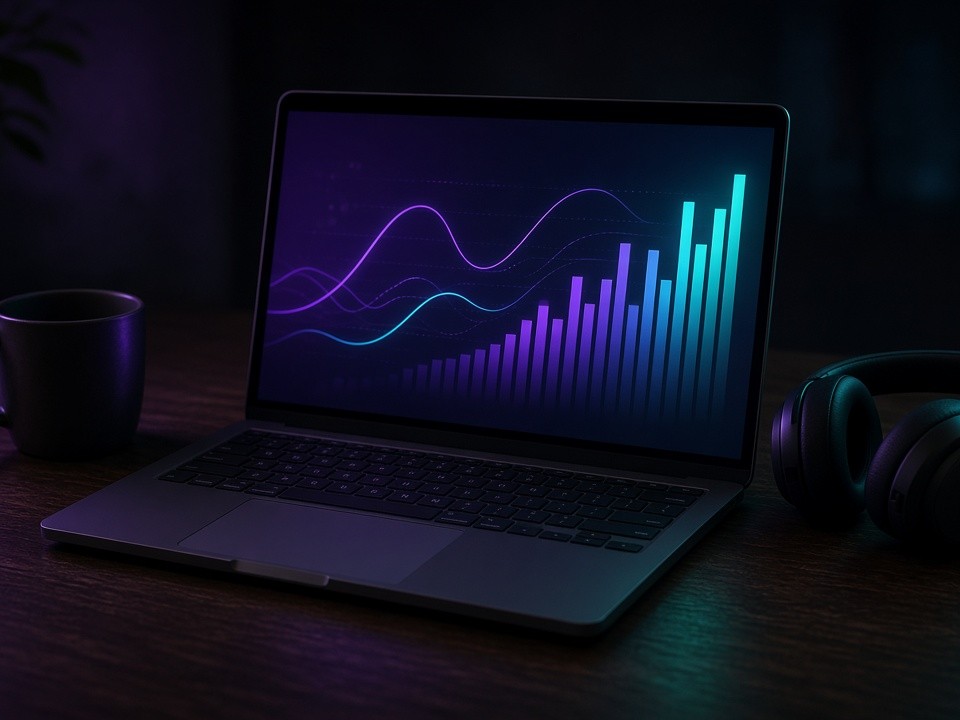
If follows rise while average viewers stay flat, the list is growing without a watching habit. If viewers rise while Follow barely moves, you have an audience but a weak loop of "I liked this → follow → hear about the next stream."
When Followers Matter More
Followers pay off once you have a steady schedule. Then the alert works as a reminder for people who already like you. Ask for the Follow when someone is engaged: after a strong segment, an in-chat giveaway, a collab, or a moment that will end up as a clip.
An honest ask works best right after the viewer got something of value: a tip that helped, a funny beat, an answer to their question. Tell them what they get from it: a ping when you go live and news about upcoming streams.
When Viewers Matter More
At the start of a channel, or after a category change, live viewers matter more than a pretty number on your page. A handful of regulars who show up on schedule beat hundreds of follows that never watch. With them you can tune format, titles, pacing, and chat.
If three to five people watch you regularly, keep them and build the habit first, then widen your reach. A list with no watch time barely moves you in the directory and does not warm up chat.
How to Grow Both Without Tipping Over
- Keep a schedule. Followers need to know when you are live. Without a rhythm, interest cools off fast.
- Use clear titles and tags. That is how new people find you, not only old followers.
- Close the loop on stream. Say briefly why Follow helps: go-live alerts, announcements, community.
- Cut clips. They bring in new viewers, and the best of those viewers follow later.
- Raid and collab. A warm audience from a neighboring channel often stays to watch and follow when the content fits.
If you want to see how your stream feels with people in the room, BoostStream has a free test: 10 viewers for 1 hour, no card required. Start it once you are already live so the hour isn't wasted. When your format is settled and you want a wider circle of people who get your go-live alerts, followers are available in the same control panel.
Common Mistakes
- Chasing Follows at any cost and neglecting the stream itself.
- Treating follower count as proof of growth while ignoring average viewers and watch time.
- Asking for follows every few minutes in an empty chat.
- Switching niches every week so neither viewers nor followers can settle in.
- Comparing your numbers with other channels without accounting for niche and channel age.
The Takeaway
You don't have to pick one. Real channel growth leans on live presence and return visits, and Follow is how you invite those people to the next stream. Build a small room that keeps coming back, then grow the list of people you can ping. That's when the number on your page starts to match what happens on air.
Curious how your stream feels with people in the room? Start with BoostStream's free test: 10 viewers for 1 hour, no card required.