How to Make Money on Twitch: Every Income Source Explained

Has been streaming on Twitch since 2020 and grew her channel from an empty chat to a steady audience. Writes step-by-step guides for new streamers: getting started, picking a category and keeping your first viewers.
6 November 2026
Leer en españolЧитать на русском
Short answer: You make money on Twitch from subscriptions, Bits, ads, donations through external services, sponsorships and secondary content such as clips, VODs and Shorts. Subs, Bits and ad revenue pay out only after Affiliate or Partner status, while donations work from the first stream. First build an audience that comes back - income follows it.
Money on Twitch does not show up on night one, and it does not come from a single "monetization" toggle. First you build an audience that comes back. Then you unlock support tools. Only after Affiliate or Partner status can you cash out steadily. This guide maps the main income sources: what already works on a channel, what sits on a Twitch balance, and what actually reaches your bank account.
Audience first, payout second
Subscriptions, Bits, and emotes used to be gated to Affiliates and Partners only. Twitch now opens part of that toolkit earlier. After monetization onboarding in the Creator Dashboard, eligible channels can turn on subscriptions, Bits, emotes, badges, and Channel Points before Affiliate. That helps a community form in the first weeks.
Access to tools is not the same as access to payout. You still need Affiliate or Partner status to withdraw earnings. Until then, viewer support can accumulate on your Twitch balance. In regions where Spendable Balance is available, you can spend some of that balance inside Twitch - for example on Bits or gift subs for other creators - but that is not a substitute for a payout.
How to reach Affiliate, and what Twitch counts, is covered separately in How to Get Twitch Affiliate. Partnership is the next invite-only tier: more emote slots, more control, and usually stronger income at the same audience size. Twitch publishes Partner criteria on its own pages and can change them, so trust your dashboard over random screenshots.
Without live viewers, subscriptions, Bits, and ads will not "turn themselves on". If the channel still feels empty, fix the foundation first: how to get your first Twitch viewers and followers vs live viewers.
Income sources at a glance
| Source | Where it lives | When it starts to matter | Status note |
|---|---|---|---|
| Subscriptions (Tier 1 / 2 / 3, gifts, Prime) | Twitch | Once you have regulars | Tools may unlock early; payout needs Affiliate / Partner |
| Bits and Cheering | Twitch chat | On highlight moments | Same as above |
| Ads (Ads Manager) | Twitch | With steady concurrent viewers | Ad revenue share is for Affiliates and Partners |
| Donations / tips | External donation alert service | As soon as viewers tip | No Affiliate required; your own tax rules apply |
| Sponsorships and brand deals | Off Twitch | When niche and numbers are clear | Needs audience and a simple media kit |
| Clips, VODs, YouTube / Shorts | Secondary content | Medium to long horizon | Rarely replaces live income; feeds the funnel |
Earnings vary wildly by category, viewer country, schedule, and how naturally you ask for support. What follows is the mechanism - not a promise of a monthly number.

Subscriptions
A subscription is recurring support. The viewer pays for a month (or several at once) and gets emotes, a sub badge, access to subscriber-only chat, and whatever perks you enabled - for example ad-free viewing on your channel.
Tier 1, Tier 2, and Tier 3 differ by price and perk depth. Twitch sets base prices. In some countries local subscription pricing means a viewer pays less in their currency, and your share is calculated from what they actually paid. Check the current split with Twitch in Earnings Analytics and Help: the platform publishes a standard share and separate programs with higher rates for eligible creators. Do not trust social-media calculators - they age faster than Help articles.
Separate flows to know:
- Paid sub - the viewer pays themselves.
- Gift sub - someone gifts a sub to chat or to a specific person. Often the loudest moment in a stream.
- Prime Gaming - one free channel sub per month for eligible Amazon accounts. It still grants emotes on your channel, but the economics for the streamer differ from a paid Tier 1. Do not plan your income around Prime alone: each eligible viewer has one free sub for the whole platform.
In practice: upload emotes early, write what subs get in your settings, and mention the sub button in natural moments - after a good game, at the end of stream, when someone already asked how to support. Spamming Subscribe every five minutes kills the vibe faster than it adds subs.
Bits and Cheering
Bits are a Twitch virtual good. Viewers buy Bits on the platform and Cheer in chat: the message lights up with animated Cheermotes, can pin, and can show up on leaderboards. For you, a Cheer is support that never leaves Twitch.
In monetization settings you can set a minimum Bits amount to Cheer, a minimum for individual Bit emotes, and a pin threshold. Too high and small cheers disappear; too low and chat fills with cheap noise. Start moderate and tune after a couple of weeks.
Bits are digital content inside Twitch, not cash in a viewer's wallet. Your earnings from Cheers show up in revenue analytics once the channel is payout-eligible. Before Affiliate, Bits can still work as a social signal and may accumulate on the platform balance - confirm the current rules in your Creator Dashboard.
Practical tip: thank Cheers out loud. People Cheer to be seen, not only to move a number. A short thanks with their name beats any overlay.

Channel ads
Twitch shares ad revenue with Affiliates and Partners. Ads Manager controls how many ad minutes you run per hour, when mid-rolls play, and whether prerolls for incoming viewers turn off once you run enough mid-roll minutes.
Above a documented ad-minutes-per-hour threshold, Twitch unlocks a higher net ad revenue share. Exact steps and percentages live in Ads Manager and Twitch Help. The same panel explains how "ad-free for subscribers" changes impression math: if subs skip ads, they stop counting toward ad impressions, but the sub becomes more valuable to the viewer.
Ads are a trade-off. More minutes can raise revenue potential and remove prerolls; they also break stream rhythm. Fewer ads feel better for chat, with a lower share. On a small concurrent audience the money difference is often smaller than the feeling of "this stream is ad spam". Start from Ads Manager's recommended preset and watch chat for two or three weeks.
Donations and tips through external services
Donations live outside Twitch: a viewer sends money through a donation alert service, and an alert pops on stream. That helps when your audience prefers a local currency Bits do not cover, or when you want tips before Affiliate.
Downsides are real:
- the viewer leaves the Twitch page - some never come back;
- the service takes a fee, plus your tax and payment rules;
- alerts need a Browser source in OBS and must not cover the important part of the game.
Do not list five different "bots" in the panel or copy someone else's tip jar layout. One clear donation alert service, a short link, and a calm reminder once per stream beat a wall of ten buttons. Check legal and tax rules for your country: a tip is still income.
Sponsorships and brand deals
Sponsorships appear when the channel has a clear niche, steady concurrent viewers, and an audience a brand wants to reach. There is no Twitch dashboard button for this - it is negotiation: a live read, a series of mentions, a giveaway, a Discord post.
Brands usually ask for:
- average and peak concurrent viewers, and hours streamed per month;
- audience language and geography;
- categories and format (Just Chatting, art, sports);
- past integrations and how honest your reads are.
Early on, local offers are more realistic: a small peripheral shop, an indie game, a community tool. Bigger contracts come later. A one-page media kit with numbers and a contact saves weeks of chat. Sponsorships sit on top of subs and Bits; they do not replace trust you already built.
Clips, VODs, and secondary content
Clip and YouTube money rarely feeds you alone at the start, but they work well as a funnel back to Twitch.
- Twitch clips - short moments chat shares. They show on your channel card and in clip discovery. Ask mods and regulars to clip funny and strong moments.
- VODs - the full recording for people who missed the live. Retention rules differ by settings and category - check your dashboard.
- YouTube / Shorts - highlights with a clear invite to the next live. One good video can bring more new viewers than a quiet week in an empty category.
Secondary content is not automatic passive income. Editing, thumbnails, and a schedule take time. It is worth it once lives already run on a rhythm and you have moments to cut. If the stream itself still looks rough, fix picture and audio first - our OBS bitrate calculator helps pick settings.
What to prioritize early vs later
In the first months, regularity, a living chat, and the path to payout through Affiliate matter most. Turn on monetization in the dashboard if Twitch offers it, set up emotes and Bits, pick one donation alert service - and do not scatter across ten tip links. Social proof on stream (someone in chat and on the counter) helps newcomers stay: a hard zero scares people more than a modest concurrent with conversation.
Once payout is unlocked, tune Ads Manager, sub perks, and the habit of thanking support. Check Earnings Analytics weekly, not hourly: on small numbers noise beats signal.
Later come sponsorships, YouTube series, and collabs. They scale income but rest on an audience you already have. Partner status is worth chasing when Affiliate already clears the payout threshold and streams are not "just for the checklist".
A common mistake is flipping every income switch at once and forgetting the product: a stream people want to join. Twitch money follows viewer trust, not a pile of enabled toggles.
Quick pre-stream checklist
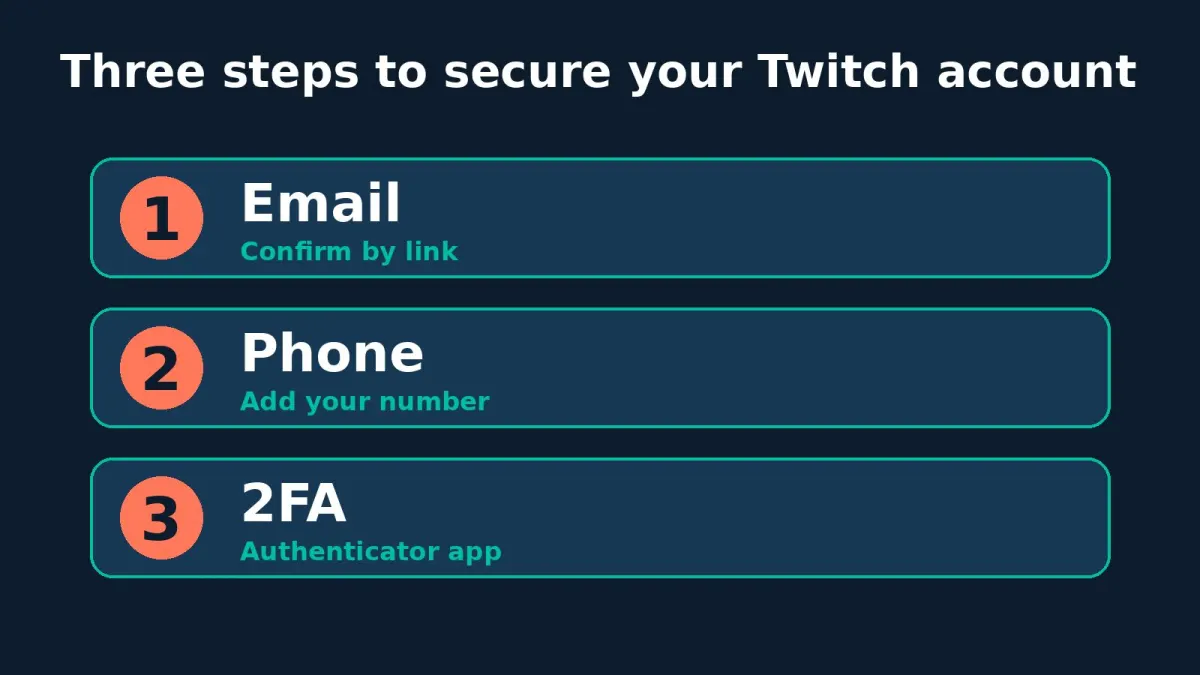
- Two-factor authentication is on; tax form and payout method are done if you already have status.
- Emotes and sub perk copy are up to date.
- Bits are enabled with sane Cheer thresholds.
- Ads Manager is intentional, not accidental.
- One donation alert link, tested in OBS.
- Channel panels explain how to support without a wall of ten URLs.
Wrap-up
Making money on Twitch is a stack: subscriptions and Bits on the platform, ads for Affiliates and Partners, external donations, sponsorships, and secondary content. Viewers can unlock support tools before status, but steady cash-out needs Affiliate or Partner. The order stays simple: audience and schedule, monetization onboarding, Affiliate path, then finer ad and deal work.
If you want to see how a stream feels when people are already there, visit BoostStream: you can gently support concurrent viewers and chat while the real audience grows. Keep Affiliate requirements handy in How to Get Twitch Affiliate - without payout, even a pretty monetization panel is still just a shop window. Twitch viewers start at $0.02 for 5 viewers for 1 hour, AI chat at $0.54 for 5 bots for 1 hour.