Multistreaming Twitch and YouTube: Pros, Cons, and How to Set It Up

Streams on several platforms at once and tries every new thing: Kick, YouTube Live, multistreaming. Shares where it's easier to build an audience and how to combine platforms.
26 October 2026
Leer en españolЧитать на русском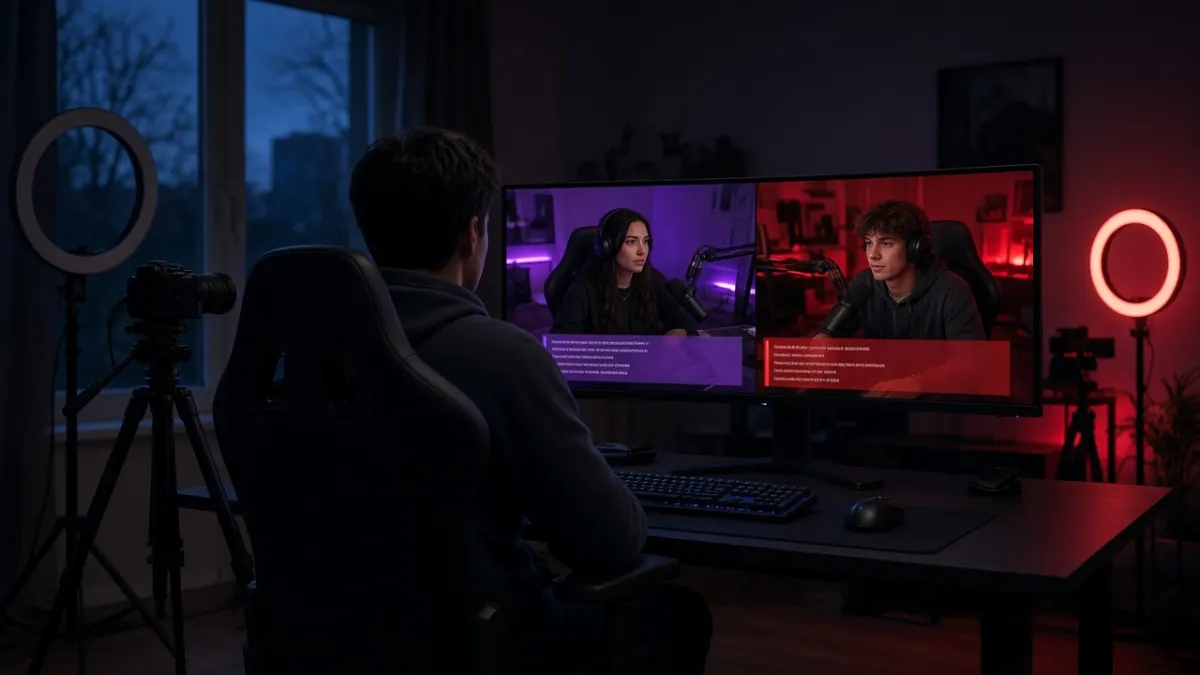
Short answer: Yes, you can stream on Twitch and YouTube at the same time: Twitch allows simulcasting unless you have a separate exclusivity agreement, and YouTube doesn't forbid it. The Twitch stream can't be lower quality than the others, and you can't actively send Twitch viewers to the other stream. You can set it up with an OBS multiple-output plugin, a cloud relay service or two separate machines.
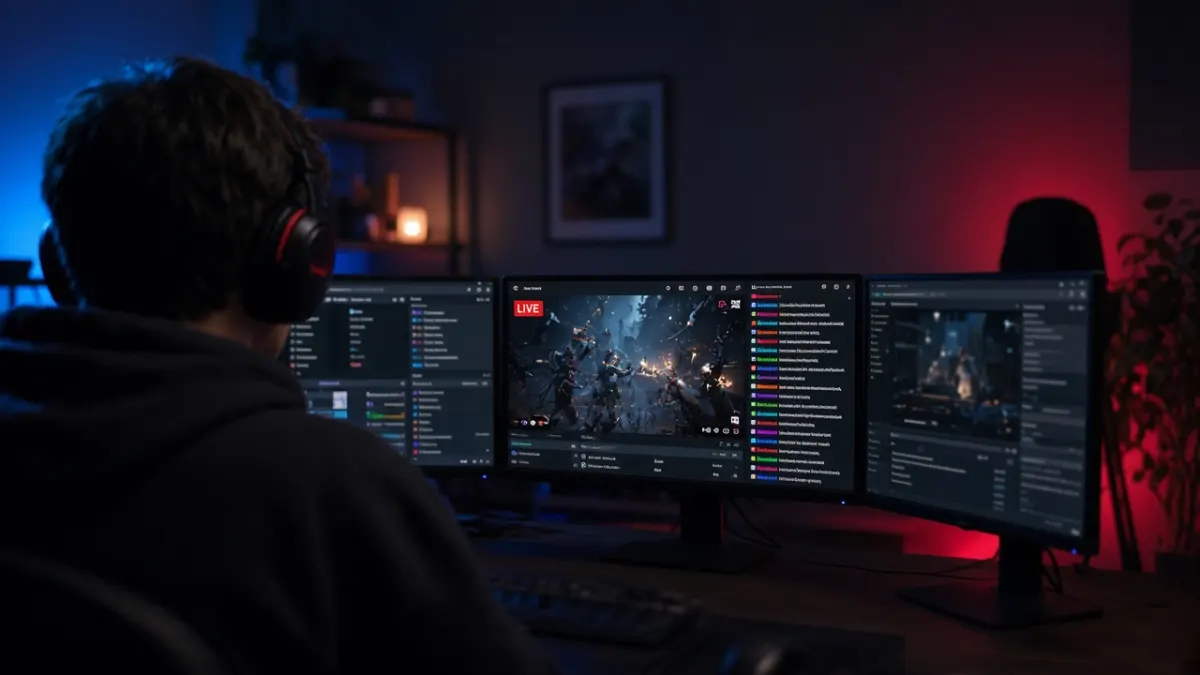
Multistreaming means sending one broadcast to several platforms at once, most often Twitch and YouTube. The appeal is obvious: viewers live in both places, so why pick one? In practice, streaming to both at the same time has real upsides, real costs, and a few rules that are easy to break without noticing. Here is who actually benefits from it, who doesn't, and how to set it up without hurting stream quality.
Can you stream on Twitch and YouTube at the same time?
Yes. Twitch allows simulcasting to any other platform as long as you don't have a separate exclusivity agreement with Twitch. That applies to regular channels, Affiliates and Partners alike. YouTube doesn't forbid it either.
Twitch does attach conditions, and breaking them usually starts with a warning:
- The Twitch stream can't be worse than the others. Sending 720p to Twitch and 1080p to YouTube, or shrinking the picture on Twitch, is not allowed.
- You can't actively send viewers away from Twitch to the concurrent stream. Titles like "watch on YouTube", banners, QR codes, chat commands and go-live notifications pointing elsewhere are all off-limits.
- Social links in your bio and panels are fine, including your YouTube channel. Just don't turn them into a big "watch me over there instead" message.
- Twitch chat must get the same attention as everyone else. Talking only to YouTube chat for the whole stream is a violation.
A note on combined chat. Reading messages from both platforms in one window for yourself is fine. Showing a combined chat on screen on Twitch was treated as a violation for a long time, and Twitch has since started relaxing that rule. Before you put such a chat in frame, check the current simulcasting guidelines in Twitch's help center.
On YouTube, your channel has to be verified and live streaming enabled before your first broadcast. The first activation can take up to 24 hours, so do it ahead of time, not on stream day.

The upsides
Two discovery engines. People find you on Twitch through category directories and recommendations. YouTube surfaces live streams in search, on the home feed and in subscriptions, and its audience is often different: people who never open Twitch at all.
The recording sticks around. On YouTube, a finished stream turns into a regular video that keeps showing up in search for weeks and months. Twitch keeps past broadcasts only for a limited time by default.
A safety net. If one platform changes its rules or algorithm, you already have an audience somewhere else.
More material for clips and Shorts. One broadcast feeds both platforms, and short clips on YouTube bring people back to your live streams. We covered how live viewers behave on YouTube in YouTube Live concurrent viewers.
The downsides
Your concurrent viewers get split. This is the big one. Say 8 people used to watch you on Twitch; now 5 stay on Twitch and 3 watch on YouTube. You just dropped in the category directory, because Twitch ranks you by how many people are watching on Twitch right now, not by your total across platforms. The mechanics are explained in how Twitch category ranking works.
Affiliate requirements only count Twitch. The average of 3 concurrent viewers for Affiliate only includes Twitch viewers. If you're not an Affiliate yet, simulcasting can push that goal further away when some of your regulars watch on YouTube instead. More on the requirements in how to get Twitch Affiliate.
Two chats instead of one. You have to read, answer and moderate both. Without moderators, that's a lot for one person, especially in a fast game.
More load on your connection and PC. Two streams need twice the upload speed, and encoding them separately also eats CPU or GPU.
Who should multistream, and who should wait
Multistreaming makes sense if:
- You're already an Affiliate or Partner, and losing a couple of viewers in the directory won't hurt much.
- Your content is searchable on YouTube: tutorials, walkthroughs, breakdowns, reviews.
- You make clips and Shorts and want full broadcasts living on YouTube too.
- Your community is already spread across several platforms.
It's better to hold off if:
- You're just starting and still working toward Affiliate on Twitch.
- You stream a popular game where your spot in the Twitch directory decides whether random viewers show up.
- Your internet or PC can barely handle one stream.
A middle ground: go live on Twitch only, then upload the recording and clips to YouTube. Your audience doesn't get split, and YouTube still works for your channel. For a side-by-side look at the platforms, see Twitch vs Kick vs YouTube Live.
How to set up a Twitch and YouTube multistream
There are three practical ways to do it.
OBS with multiple outputs. Out of the box, OBS streams to one destination. To send to two, you add a multiple-output plugin. Both streams leave your computer directly, so everything depends on your connection and hardware.
A cloud relay service. You send one stream to the service and it forwards it to Twitch, YouTube and anywhere else. Your upload load stays the same as a normal stream, but you add one more link that can cause delay or drop out. Many of these services are paid or limited on free plans.
Two separate machines or apps. The hardest route, mainly for streamers who build different scenes per platform, such as a vertical version for YouTube.
Setting it up in OBS:
- Grab your stream keys. On Twitch it's in the Creator Dashboard under Settings, Stream, Primary Stream Key. On YouTube it's in YouTube Studio under Go Live, on the Stream tab.
- Put your main platform (usually Twitch) in the standard OBS stream settings, and add the second one as an extra output in the plugin.
- Use the same quality on both, or better on Twitch. For 1080p at 60 fps, around 6 Mbps is usually enough on Twitch.
- Set the keyframe interval to 2 seconds for both platforms.
- If your CPU struggles, switch to your graphics card's hardware encoder.
Upload math is simple: add up both bitrates and multiply by 1.5 to 2. Two streams at 6 Mbps each come to 12 Mbps, so you want a stable upload of 18 to 24 Mbps. Run a speed test at the hour you normally stream, not on a quiet network in the morning.
Before your first real multistream, do a dry run: start an unlisted stream on YouTube and check for dropped frames and audio drift.
Handling two chats without losing people
Put both chats on a second monitor, a phone, or a single window for yourself. Answer in turns and call viewers by name, so YouTube viewers can tell you see their messages too. Twitch chat shouldn't be left hanging while you do it.

Use different stream titles. On YouTube the title works for search, so include the words people use to look up your game or topic. On Twitch a short, lively title is enough, with no mention of YouTube.
When one of the platforms is nearly empty and chat stays silent, new viewers don't stick around there. BoostStream's AI chatbots help with that: they keep an on-topic conversation going while real viewers trickle in. BoostStream works with Twitch, YouTube and Kick, so you can support whichever platform is quieter right now. More ways to wake up a silent chat are in how to revive an empty Twitch chat.
Bottom line
Twitch and YouTube both allow multistreaming, but Twitch requires equal or better quality on its side, no pushing viewers to the concurrent stream, and real attention to its chat. The main cost is a split audience, which on Twitch hits your directory position and Affiliate progress. If you're established and people search for your content on YouTube, multistreaming adds reach. If you're just starting, stream on Twitch and post the recordings to YouTube.
If you want to see how viewers behave when a stream already has people in it, try BoostStream's free test: 10 viewers for one hour. If YouTube is the quieter side, there are also viewers for your YouTube live stream. YouTube live viewers start at $3.15 for 100 viewers for 1 hour, Twitch viewers at $0.02 for 5 viewers for 1 hour.